
Inspired by Becky's post How I Collect Blog Statistics, Respectfully,1 I thought I'd share what I do.2
tl;dr: I collect virtually nothing and I use even less.
Let me take you on a journey through the different kinds of analytics tools I've used:
1996 —1999: Hit counters!
My original websites used a hit counter that I wrote in Perl based on a sample from Matt's Script Archive. Because I was edgy and dark, I made it look like this:

Alt
"Flaming" black-on-black digits 0-9.
Hit counters are pretty dumb for a variety of reasons. Counting "hits" was never a terribly-representative reflection of the popularity of your pages. But also: because they're a public representation of your popularity, there was every incentive to "game" them... even just by hitting refresh a couple of times. Making them untrustworthy and pointless.
1998 — 2006: Webalizer
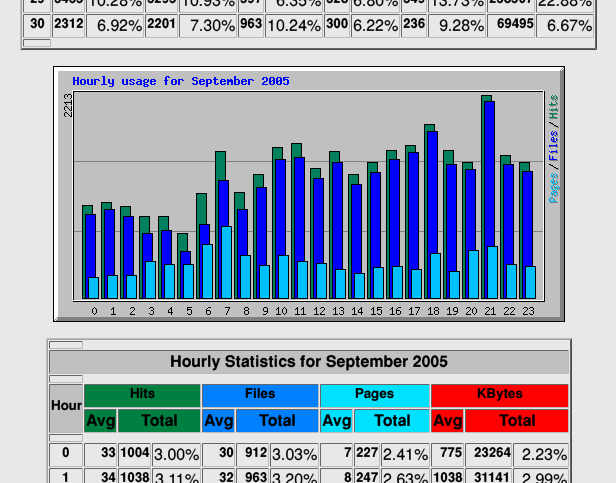
Alt
Screenshot from The Webalizer, showing a bar chart of web stats covering September 2005.
Back in the day, "proper" web stats was something you did on your log files. Take log files, pump them through a program, get amalgamated output. And the king of these tools was The Webalizer.3
On a few of my websites - and some that I helped host for my friends - I'd have The Webalizer run daily, collating an archive of monthly stats plus "month-so-far" for the current month.
The Webalizer attempted to differentiate "hits" from "visitors". And it tried to distinguish between browsers, and isolated bots, and tracked pulled referrer-data, and could even try to geolocate IP addresses. It was pretty magical for its time.
2006 — 2016 Google Analytics
I was an early adopter of Google Analytics: my site ID ("UA code") was only five digits long!
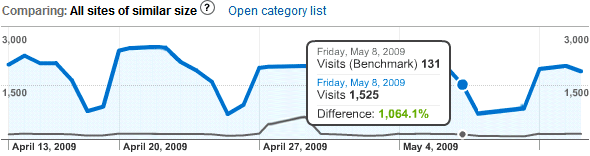
Alt
Screenshot from an early version of Google Analytics, featuring a line graph covering visitors between April and May 2009, showing a 1,064.1% higher visitor counter than 'sites of a similar size' on one date.
Google Analytics works via a JavaScript snippet which collects a variety of information about the visitor and sends it to Google's mothership.
A third-party cookie that connected all Google Analytics-powered sites, plus everybody's activity on other Google products, provided a wealth of data that you couldn't get any other way. Want a gender breakdown of your visitors or their interests? Google can "help" you with that... and all the while, "helping" themselves to copies of all the data too.
If your website runs Google Analytics, it's part of Google's massive data-harvesting machine, monitoring people as they move around the Web. Webmasters trading away their visitors' identities for some pretty charts seems pretty disgusting to me; it saddens me that I was ever "part of the problem".
2015 — 2023 Piwik
Since around 2010, I'd been actively blocking Google Analytics, which made me feel a bit like a hypocrite to be inflicting it upon others. I looked for an alternative and found it in Piwik (now Matomo), an open-source and self-hosted analytics tool.
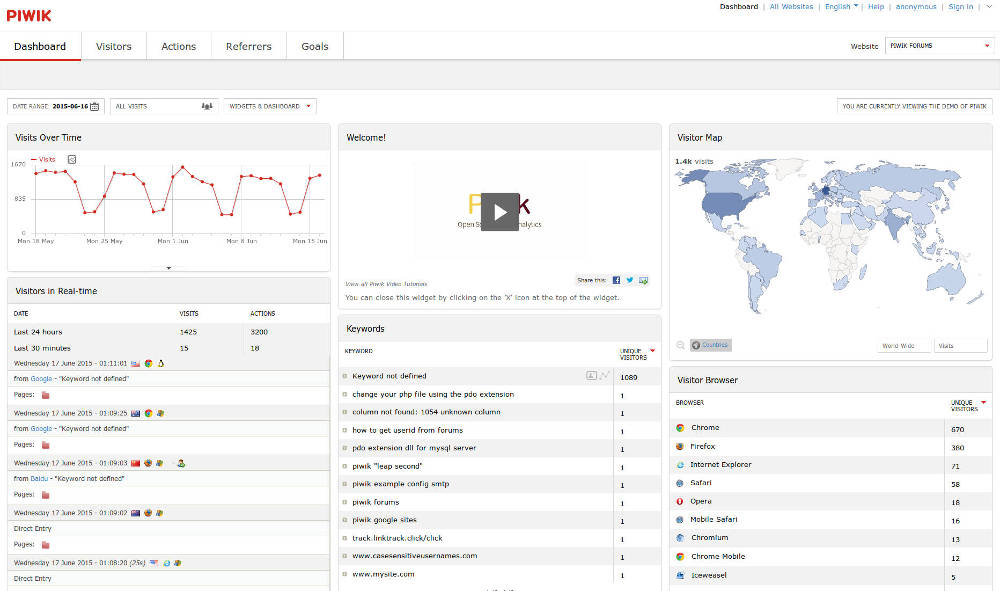
Alt
Screenshot from Piwik, showing a world map, graphs, and search keywords.
I ran Google Analytics and Piwik side-by-side to validate the latter, and found it to be excellent. Not only was it collecting data in a much more-ethical and respectful way, but it was also producing more-accurate results for my readership who, leaning somewhat "techie", would sometimes block Google Analytics outright for all of the same reasons I did.
It was pretty good, but...
2023 — ... (Almost) nothing?
...I don't like the kind of blogger I am when I'm collecting stats!
It's like... being a teenager again and having that hit counter, and getting excited when it goes up. So what if a number went up? What does "popularity" mean? Isn't the impact more important than the number of eyeballs?4
So in 2023, after winding my analytics down by instalments for many years, I just... stopped.5 I realised that so long as I was able to easily "watch the stats", I'd be temped to write for the stats. To treat it as a score. To make the hit counter go up.6
That, in essence, is why I don't really "do" any webstats any more. Analytics don't serve me and the blogger I want to be, and they didn't represent anything that I would consider a useful metric of success.
If somebody's moved by what I do, that's great: but a hit counter going up by one doesn't tell me that; and it never did. Now if they leave a comment or drop me an email or even send me a postcard, that's how I know that I made a difference!
Exception to the rule: GoAccess!
While I don't actively watch the stats any more, I suppose I can still generate them, from my webserver logs, Webalizer-style. Except nowadays I'd probably use GoAccess:
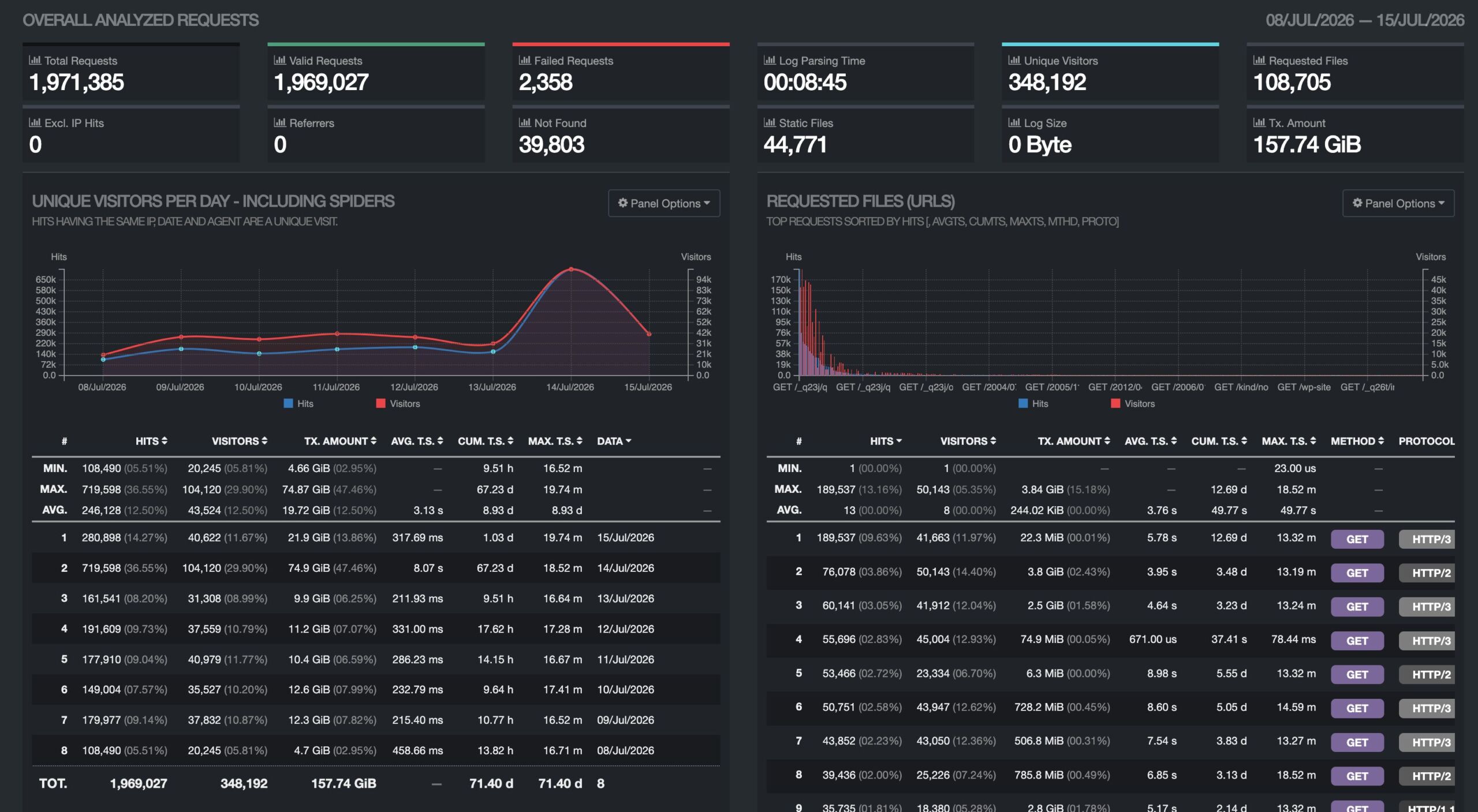
Alt
GoAccess dashboard for the last week, showing 1.9M requests by 350K visitors, pulling 160GB of data, with a big of a jump in traffic on 14 July.
There's a script that I'm able to run, if I feel like it, to parse the most-recent of my Caddy logfiles. It takes about one minute to run per day of logs to process, and outputs a perfectly attractive self-contained HTML file.
Here's that script:
#!/bin/bash
readonly LOG_DIR="/var/log/www/danq.me/"
readonly DAYS=7
readonly OUTPUT_HTML="/var/log/goaccess/danq.me.html"

sudo bash -c "{ find '$LOG_DIR' -maxdepth 1 -name 'access*.gz' -mtime -$DAYS -print0 | sort -z | xargs -0 zcat; cat '$LOG_DIR/access.log'; } | goaccess --log-format CADDY --output '$OUTPUT_HTML' -"
It's not clever. It's not sophisticated. It doesn't use cookies or JavaScript or, indeed, anything other than what my webserver gives me for free.
I barely use it: maybe once every 18 months or so (today was the first time in well over a year). It's there if I need it. And it's inconvenient-enough to use that I'm not tempted to.
Footnotes
1 And perhaps also inspired to a lesser extent by Terence Eden's Reasonably accurate, privacy conscious, cookieless, visitor tracking for WordPress, which I've been thinking about on-and-off ever since I read it last year.
2 By "blog stats", here, I mean statistics about visitors to my blog, not stats about my blogging (which I track and share in excruciating detail).
3 Did you know that the last point release of The Webalizer was in 2013 and the last feature release was in 2010: much later than I thought was the case!
4 Also, how do we even count "eyeballs". Right now,
about a fifth to a quarter of my visitors are bots. Amazonbot alone accounts for over 2% of my traffic. (I should
probably tighten my robots.txt.)
5 Nowadays, there's no tracking scripts whatsoever on my site. I don't set a cookie unless you ask me to (and then it's "transparent": you can see exactly what it contains and what it's for), I don't try to fingerprint you in any way, I don't even keep server logs longer than 60 days! Back when I used Jetpack I actively nerfed its stats-collection "features". I don't want your personal data!
6 Last week, I wrote a blog post about breaking into somebody's "app" to make a web page that does the same things, but better. It attracted lots of comments, emails, and other feedback, so I can see it had impact. I have no idea how many eyeballs (or bots) saw it. That's not the important bit.
I use counter but with a twist that it triggers only after user spent 5 seconds on a page. Thinking about increasing it to 10s, but 5s has been working fine for my - very brief - time in the indie web. You can still abuse it fairly easy, but not sure why would anyone want to do it lol - and I can always roll it back xd. 5s wait time at least makes bot not trigger it.