
This week I reimplemented Dan Q's Things. Called "Things" for short, it's kind-of a projects page, showcasing some of the things I've made and shared online. It's been going for most of a decade, but (especially following the relaunch of DanQ.me) it was looking especially stale and underloved... until I gave it some TLC!
Here are my favourite five features that I've added to the new Things.DanQ.me (also available as a video tour):
1. The DanQ.me button is an <iframe>!
Most of the "images" associated with Things are either pre-generated images, Open Graph images, or screenshots captures at site build-time. But this one's an <iframe>
showing a subset of the DanQ.me homepage, complete with dress-up compatibility and animations. If the remote site load gets blocked, it falls back to a screenshot. Cute!
2. There are filters
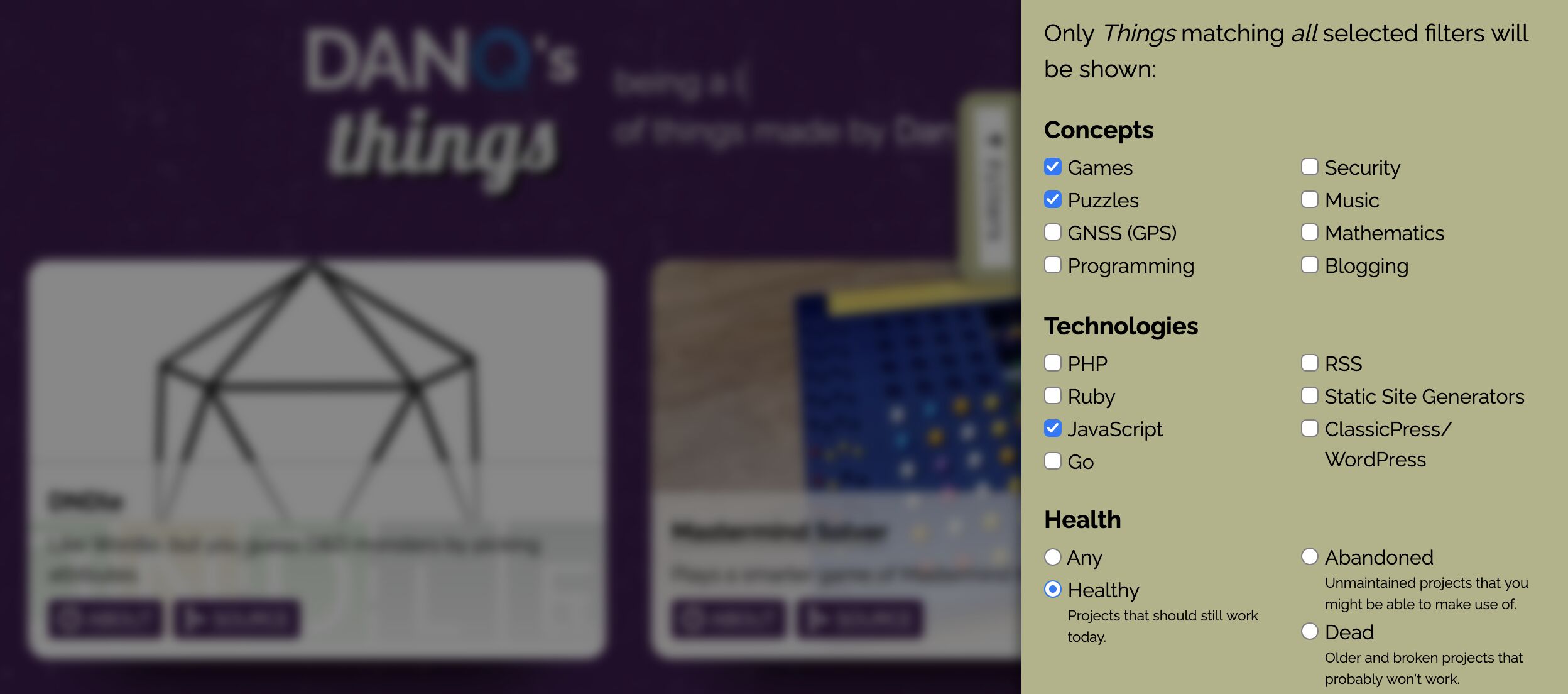
Using the technique I described the other day, it's possible to "filter" the projects by a variety of criteria.
Alt
Dan Q's Things filtered to show healthy (confirmed-working) puzzle games implemented in JavaScript.
These are entirely implemented in just HTML and CSS. In fact, there's no JavaScript required for any of the site's functionality!1 As a result, it's eye-wateringly fast and super reliable.
I'd still like to add some additional categories e.g. so that people can filter to just my Weird Web October creations, for example. And then
I might use the :target selector patterm to make that filtered-output deep-linkable.
3. It's got an RSS feed
I'm probably the only person on the planet that cares, but there's now an RSS feed. If you really wanted to know when I add something new to the Things page, you could subscribe to the feed.
4. Buttons can have extra enhancements
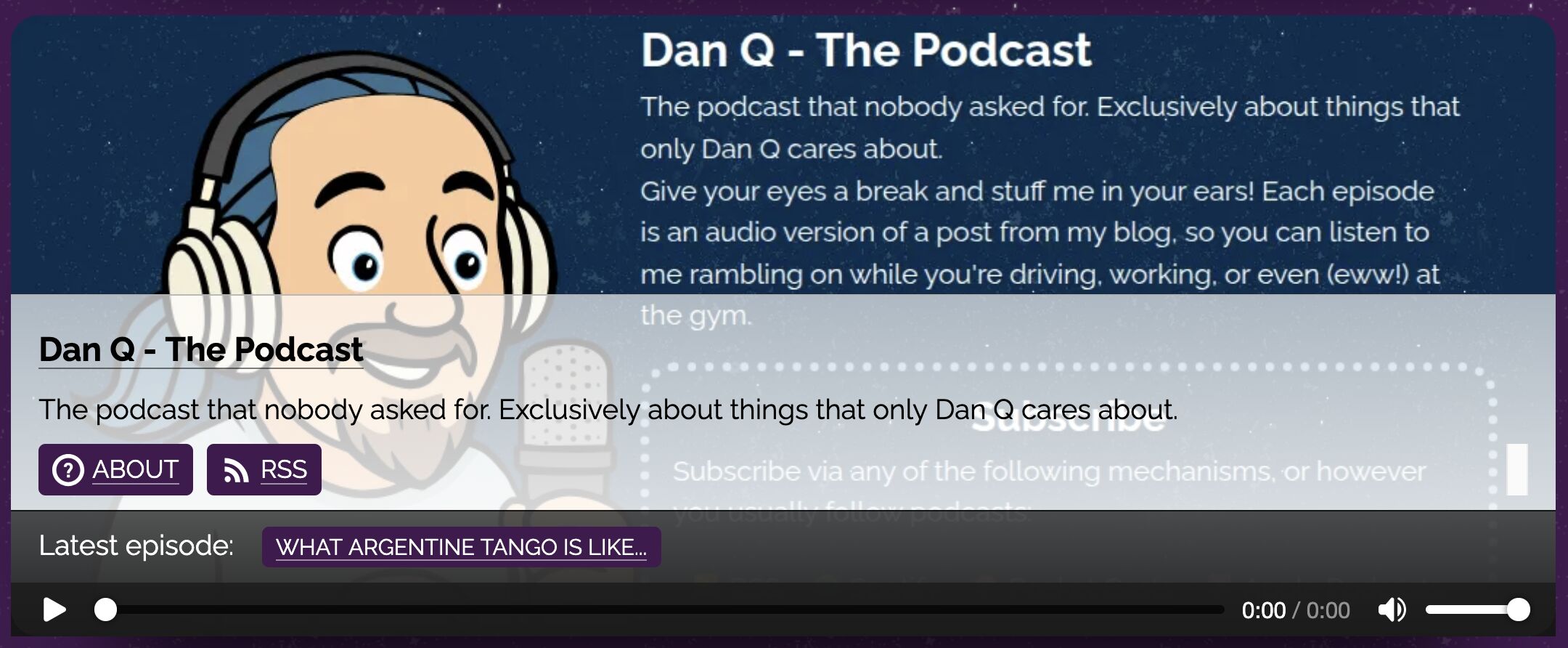
I've made it so that buttons can each have extra enhancements appropriate to the "thing" they're promoting. Here's an example - the one about my stupid pointless podcast features a link to the latest episode and a built-in audio player.
Alt
Panel for my podcast, featuring a note about the latest episode and an audio player.
<audio> element. Which is already awesome.2
5.The Best Resolution button actually functions
Last year I launched Best Resolution, a tool that gives your site one of those "Best viewed at any resolution" 88×31 buttons that were popular among forward-thinking developers in the late 90s... except it specifies an actual resolution:the resolution of the visitor's browser window!3

When I came to adding Best Resolution to my "Things" page, I figured it'd be best if it really functioned. So it does! And I think that's a kinda-fun Easter Egg.
Did I mention the whole thing's open-source?
I don't know if it's good code to learn from, but you're welcome to it! The new version of Things basically consists of:
- Some YAML files to describe the "things",
- My favourite static site generator Middleman to build the web page,
- A Node-powered Puppeteer instance to handle the automated screenshots, and
- Some templates to describe how the whole thing should look when it's done.
Perhaps I'm over-excited to be bringing Things! back up-to-date. But I just wanted to share some of the reasons why!
Footnotes
1 There's a smidge of third-party JS coming from the Best Resolution button generator, I suppose, but that's definitely not required and the button makes perfect sense even without it.
2 HTML is so much richer today than it was when I first
started learning it in the mid-1990s, we only had the <bgsound> element, and only Internet Explorer (3 and above) supported it.
3 It does this by making customised animated GIFs on-demand. Yes, really.
0 comments