
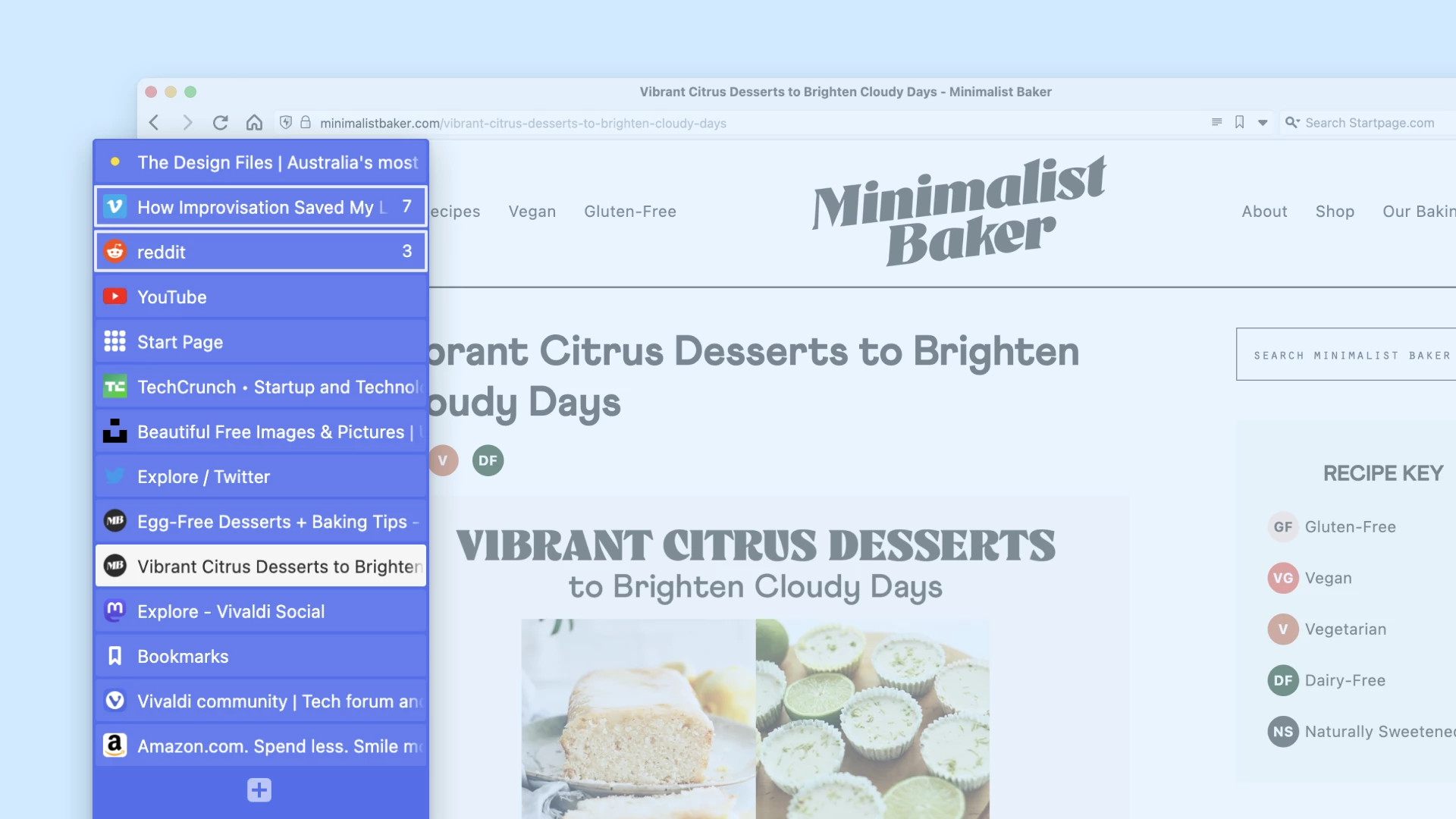
On a forum recently the conversation drifted into talking about the innovations different Web browsers had introduced, over the years. Another participant called out Vivaldi for bringing us vertical tabs upon its release in 2015.
Alt
Promotional screenshot showing Vivaldi's vertical tab interface.
Vivaldi's a fine browser, but it wasn't first to add the option of vertical tabs. I'm pretty confident that was Opera 4.0, a decade and a half earlier in 2000. To check my memory, I spun up a Windows XP virtual machine and installed a copy.

Alt
Screenshot showing Opera's vertical tabs, showing a semi-readable DanQ.me page.
I used vertical tabs on-and-off in Opera, back in the day. For me, the benefits of vertical tabs came later on, as I'll explain!
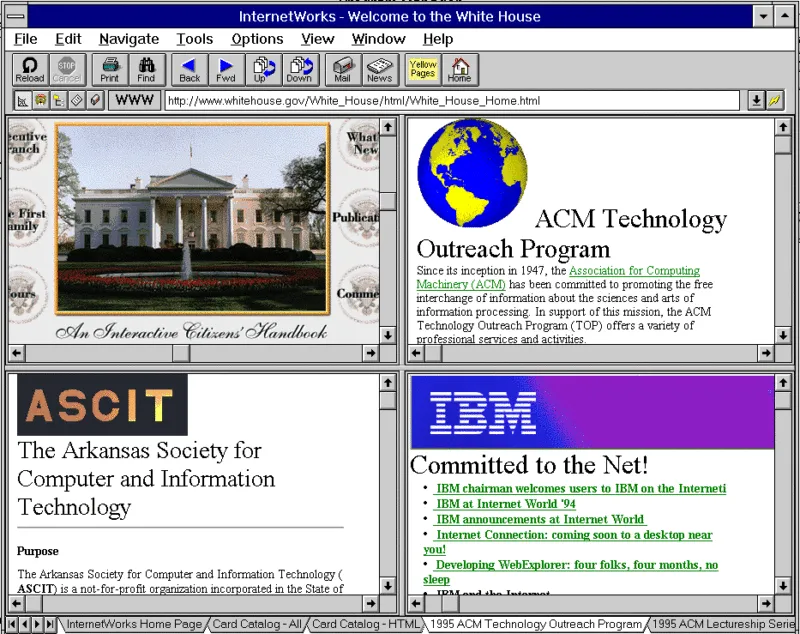
For a long while I thought that Opera was the browser that brought us browser tabs at all. It's a common misconception. But it turns out that the browser that first had tabs (at the bottom, interestingly!) was InternetWorks, all the way back in 1994!
Alt
InternetWorks running in Windows 3.
Wherever they came from, vertical tabs are awesome and I love them a lot. Here's why vertical tabs rock:
- If (like me) you tend to have a lot of tabs open, vertical tabs are easier to scroll through.
- Similarly: assuming you use a horizontally-read language, you can read the titles more-easily.
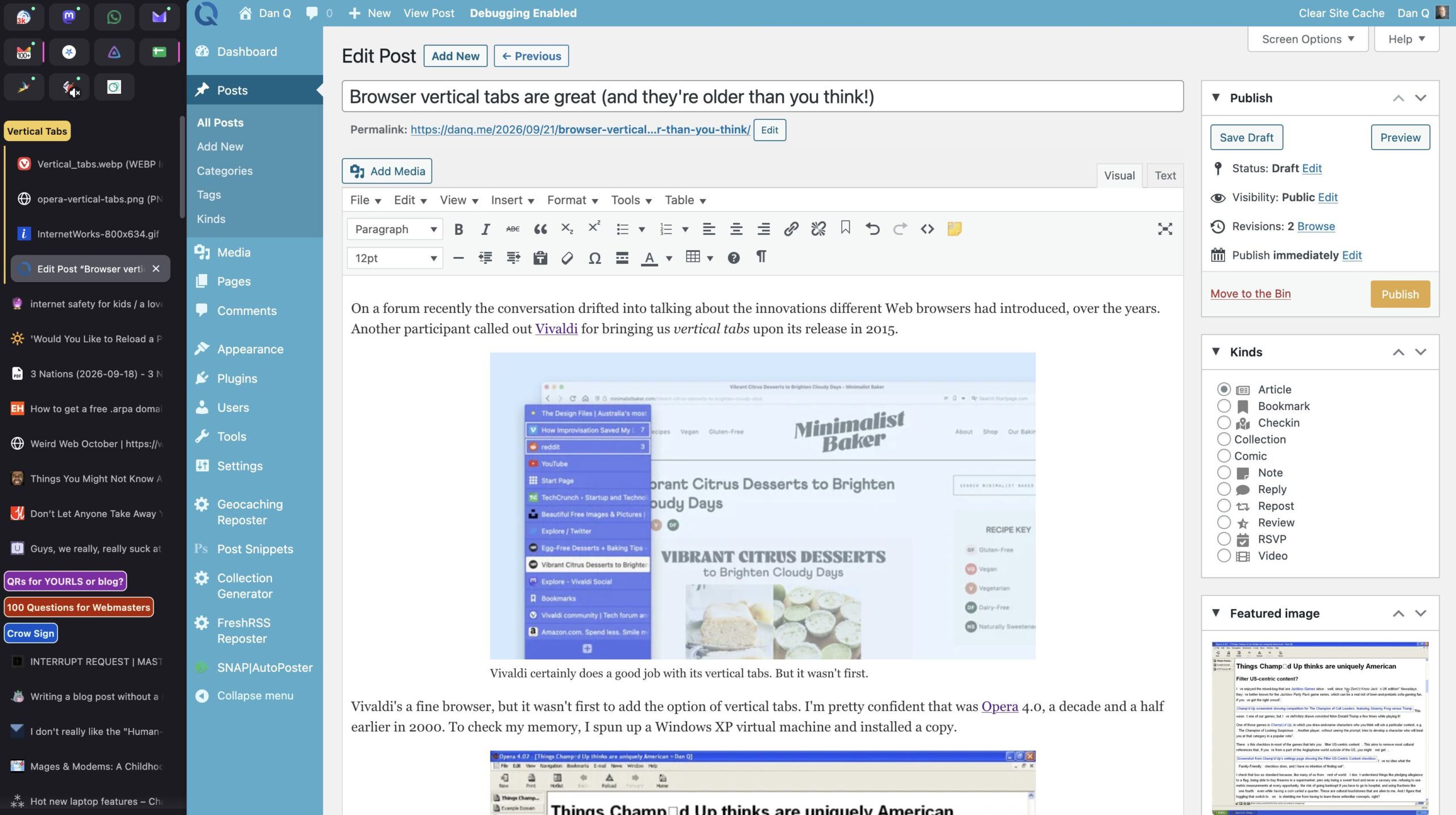
- On a widescreen (or better yet, ultrawidescreen!) monitor, you're likely to have spare horizontal space, so vertical space is at a relative premium: vertical tabs help maximise your usable screen real estate.
Alt
Screenshot of a ClassicPress interface, writing this blog post, with copious vertical tabs down the sidebar.
If you're like me and you keep a bajillion tabs going at once, perhaps you ought to give vertical tabs a go. They're awesome.
0 comments