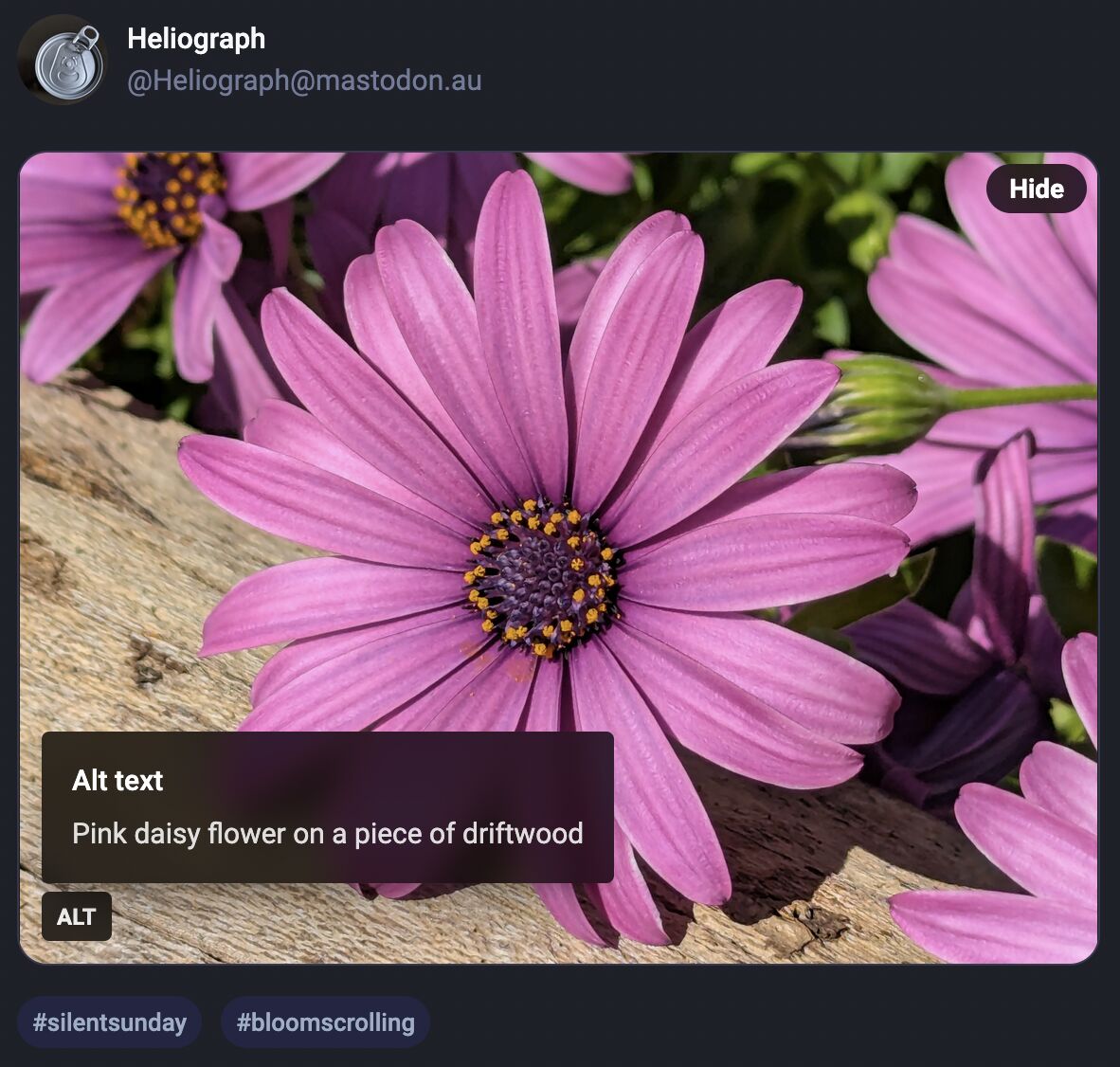
Mastodon shows an "Alt" button in the bottom right of images that have associated alt text. This button, when clicked, shows the alt text the author has written for the image.
...
Alt
The Mastodon user interface showing an "Alt" button in the bottom left corner that is toggled and shows the alt text for the image: "Pink daisy flower on a piece of driftwood"
After using this button a few times, I realised how much I appreciated reading the alt text for an image. Reading the alt text helped me better understand an image. In some cases, I
saw posts where the alt text contained context about an image I otherwise would not have had (i.e. the specific name of the game from which a screenshot was taken).
...
Like James, I've also long enjoy Mastodon's tools to help explore alt-text more-easily, but until I saw this blog post of his I'd never have considered porting such functionality to my
own sites.
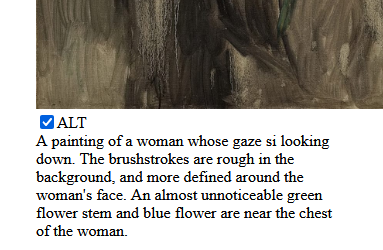
He's come up with an implementation, described in his post, that works pretty well. I find myself wondering if a <details>/<summary> UI metaphor
might be more appropriate than a visually-hidden checkbox. Where CSS is disabled or fails, James' approach displays a checkbox, the word "ALT", and the entire alt text, which is
visually confusing and will result in double-reading by screen readers.
A <details>/<summary> approach would be closer to
semantically-valid (though perhaps I'm at risk of making them a golden hammer?), and would degrade more gracefully
into situations in which CSS wasn't available.
Still, a wonderful example of what can be done and something I might look at replicating during my next bout of blog redesigning!

 A
A
0 comments