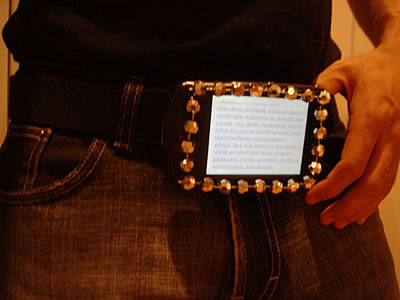
This is just crazy. Some mad geeks have adapted a Pocket PC into a hip 80s-esque belt buckle, such that it displays a scrolling list of popular web search terms of the last 24 hours, live… at your crotch.
I have no idea what the purpose of this is.
This is just crazy. Some mad geeks have adapted a Pocket PC into a hip 80s-esque belt buckle, such that it displays a scrolling list of popular web search terms of the last 24 hours, live… at your crotch.
I have no idea what the purpose of this is.
I saw Thunderbirds at the cinema last night. Jeez; was that awful. Unlike Bryn (who’s complained at length about the film already), I’m not a long-standing fan of the original TV series, and so the film didn’t ‘ruin’ it for me (although I did notice several major inconsistencies). Nonetheless, I still found the film to be quite abysmal.
The whole thing feels like a bad re-make of Spy Kids. It’s riddled with continuity errors (where did that door opening switch go?), conveniences (suddenly an electronic lock becomes a mechanical one later in the film, so that Parker can pick it), plotholes (The Hood states that he was born with his powers, then later states that he gained them after the Thunderbirds failed to rescue him), false geography (I must take that trans-Thames monorail someday), false physics (you’re landing that rocket how?), bad sound effects (reminiscent of 60s cartoons, but no, not authentic to the style of the original series), awful acting (look; I’m scared – look; I’m concerned – look… umm), characters with no common sense (let’s all leave the base undefended during this period of suspicious activity, for no reason whatsoever – and – my being a Thunderbird is a secret, so I’ll be seen to exit a disaster scene with them… in my flying car)…
The best thing about the film was the subtle and less-subtle jokes they made about the original series: “Look at him, like a puppet on a string!” says The Hood, as he uses his mind control powers on Brains. In another scene, with a close-up of a character’s hand, strings can clearly be seen supporting it (in the original series, the characters were puppets but for close-up scenes real hands were used).
It’s currently averaging 4.5 on the IMDB. I’d give it a 3, and it’s only that high because (a) I’m not a Thunderbirds fan and (b) I’ve seen a lot of awful films this last year.
There’s an article on how Google could overthrow AIM/ICQ (link removed; apple-x.net now seems to be occupied by domain squatters), and perhaps even MSN Messenger, from their dominant positions in the instant messenger market, and improve internet standards usage and accessibility, by releasing their own instant messenger tool powered by the (wonderful) Jabber protocol. It’s a lovely idea, but (sadly) not one which is likely to happen.
On similarly geeky news, there’s a new web site, BrowseHappy, which aims to help everyday users make the switch away from Internet Explorer to safer, simpler, faster, better browsers. If you’re still using IE, take a look. If you’re already enlightened, show it to your unenlightened friends. It’s a very approachable site in nice, easy language.
And finally, there’s apparently a new worm doing the rounds, “Peeping Tom”, which, upon infection, turns on the victim’s webcam and microphone, and begins broadcasting to the world. What a lovely idea for a novelty virus.
Thanks for listening
Some goon (sorry: Californian counsellor) has patented Inductive Inference Affective Language Analyzer Simulating Artificial Intelligence (including the Ten Ethical Laws Of Robotics). It’s nothing but unintelligible babble, interspersed by (inaccurate) references to artificial intelligence theory. The author (who also writes a book on family values with a distinct evangelic slant, from which most of the text of the patent seems to be taken) appears to know nothing about A.I. or computer science. In addition, I find his suggestion that ‘wooly’ and ‘vague’ rules and ‘commandments’ are sensible choices for A.I. safeguards –
While a meaningful future artificial intelligence may be more than capable of understanding rules set out in a way that a human might like to express it – indeed, for some machine intelligences (artificial or not) this capacity to understand human speech and expressions could be a very useful feature – this is not the level at which safeguards should be implemented.
While I appreciate the need for ‘safeguards’ (the need is that humans would not feel safe without them, as even early machine intelligences – having been built for a specific purpose – will be in many ways superior to their human creators and therefore be perceived as a threat to them), I do not feel that a safeguard which depends on the machine already being fully functional would be even remotely effective. Instead, such safeguards should be implemented at a far lower and fundamental level.
For an example of this, think of the safety procedures that are built into modern aircraft. An aeroplane is a sophisticated and powerful piece of machinery with some carefully-designed artificial intelligence algorithms pre-programmed into it, such as the autopilot and autoland features, the collision avoidance system, and the fuel regulators. Other, less sophisticated decision-making programs include the air pressure regulators and the turbulence indicators.
If the cabin pressure drops, an automatic system causes oxygen masks to drop from the overhead compartment. But this is not the only way to cause this to happen – the pilot also has a button for this purpose. On many ‘planes, in the event of a wing fire, the corresponding engine will be switched off – but this decision can be overridden by a human operator. These systems are all exhibiting high-level decision-making behaviour: rules programmed in to the existing systems. But these are, in the end, a second level safeguard to the low-level decision-making that prompts the pilot to press the button that drops the masks or keeps the engine on. These overrides are the most fundamental and must crucial safeguards in a modern aircraft: the means to physically cause or prevent the behaviour of the A.I..
Let’s go back to our ‘robots’ – imagine a future not unlike that expressed in films like Blade Runner or I, Robot, in which humanoid robotic servants assist humans with many menial tasks. Suppose, for whatever reason (malice, malfunction, or whatever), a robot attacks a human – the first level of safeguard (and the only one suggested by both films and by the author of the “Ten Ethical Laws“) would be that the human could demand that the robot desist. This would probably be a voice command: “Stop!”. But of course, this is like the aeroplane that ‘decides’ to turn off a burning engine – we already know that something has ‘gone wrong’ in the AI unit: the same machine that has to process the speech, ‘stop’. How do we know that this will be correctly understood, particularly if we already know that there has been a malfunction? If the command fails to work, the human’s only likely chance for survival would be to initialise the second, low-level safeguard – probably a reset switch or “big red button”.
You see: the rules that the author proposes are unsubstantial, vauge, and open to misinterpretation – just like the human’s cry for the robot to stop, above. The safeguards he proposes are no more effective than asking humans to be nice to one another is to preventing crime.
Whether or not it is ethical to give intelligent entities ‘off’ buttons is, of course, another question entirely.
Additional: On further reading, it looks as if the author of the document recently saw “I, Robot” and decided that his own neo-Christian viewpoint could be applied to artificial intelligences: which, of course, it could, but there is no reason to believe that it would be any more effective on any useful artificial intelligence than it would be on any useful ‘real’ intelligence.
 Gareth came over this weekend, and he, Bryn, Paul, Claire and I decided to have a bonfire and a barbeque on the beach.
Sadly, Matt – who’s in town for resits – couldn’t join us, as he’s busy revising (best of luck to you, Matt!).
Gareth came over this weekend, and he, Bryn, Paul, Claire and I decided to have a bonfire and a barbeque on the beach.
Sadly, Matt – who’s in town for resits – couldn’t join us, as he’s busy revising (best of luck to you, Matt!).
In any case, the food and the beer and the company was good, until it started threatening rain and spitting on us in short bursts, when we decided we’d better abandon the camp and go play some Super Monkey Ball. And I kicked arse. And then Gareth beat me.
It’s been a rich, full weekend: between a brief exercise in nudism, Troma Night (Indiana Jones-themed), Gareth’s visit, and the fire on the beach, it’s been great. And, better yet, it looks like next week won’t involve so many late work nights (fingers crossed).
Or: Yet Another Reason Why ‘Activation’ Is Bad
There are already loads of articles out there explaining why ‘product activation‘, which made it’s first appearance in a piece of Microsoft software in their release of Windows XP, is a bad thing. Product activation, which you may already have experienced, works by making a ‘fingerprint’ of the unique hardware identifiers of your computer’s makeup. This fingerprint, and your unique serial number, are sent to Microsoft either over the internet or using an automated telephone service, after which Microsoft give you a response code that allows Windows XP to work normally. The theory is that this prevents software piracy – if you allow a friend to use ‘your’ serial number, Microsoft will see that the same serial number is now being used with two different ‘fingerprints’ and will deny your friend access to Windows.
Of course, this also means that if you repeatedly make significant changes to your hardware configuration, or you reformat your hard drive, you have to re-activate, and if you do this ‘too frequently’, you’ll look like a pirate, even if you’re not. The ‘activation’ system has come under fire for many reasons: that the ‘fingerprinting’ process being an invasion of privacy is a popular reason. That it doesn’t actually stop determined pirates, but imposes a great inconvenience on many honest users is another. But I’ve not yet seen an article anywhere that suggests a major issue with the system that I thought of while in the shower this morning:
What If Windows 98 Had Activation?
I have several friends who still use Windows 98. And why not? Apart from the fact that it’s still built on top of MS-DOS, it’s a reasonable and functional operating system. More to the point, it does everything they want out of an operating system, and it’ll serve them for years to come.
Microsoft were originally to discontinue support for Windows 98 on January 16, 2004, but this date has since been extended. But let’s pretend that, like all computer software, this particular version is no longer supported (it’ll happen). What then?
Well – that’s not actually a problem: my friends who use Windows 98 can carry on using it for the rest of their lives. If they have any problems with it, they can’t go whinging to Microsoft, ‘cos Microsoft won’t care (is this that dissimilar to their “supported” products?), but they can use it forever and ever for as much as anybody cares. But here’s the problem: suppose my friend needed to ‘activate’ his Windows 98 installation: what would happen? One day, he installs a new network card and it asks him to re-activate, but the internet activation fails. When he calls up the telephone activation service, he gets a recorded announcement stating that his choice of operating system is no longer supported, and he has to go out and buy a new one (and, probably, a new computer, too – on which to run it).
This is a scary thought. If I set up a Windows 2003 Server today (also requires activation), I want it to still be working in a few years time (upgrades aside). Perhaps I’m using it to deploy a centralised database for my business (I recently came across a business who are still using a thirty-year old piece of hardware to manage their data, running an even older operating system) – with Windows activation: this kind of longevity is no longer an option.
And, of course, the scariest point: what happens if, in the future, Microsoft goes out of business. Do we all have to “throw away” our then-useless (well… I say then-useless) copies of Windows?
It’s all very, very scary.
While doing a few errands around town, Bryn and I stepped into Pier Video to check whether Paul had already rented the three videos we’re planning to watch at this evening’s themed Troma Night: Raiders Of The Lost Ark, Indiana Jones And The Last Crusade, and Indiana Jones And The Temple Of Doom, and – if he hadn’t – rent them ourselves, ready.
We browsed the shelves a little to see if their copy was still in stock, and, when the lady at the counter was done with the customers she was serving when we entered, we decided to quiz her, to see if she remembered renting out the three Indiana Jones movies to somebody this evening already:
“Hi,” I began, “This is going to sound like a weird request, but some friends and I are having a themed video evening tonight, and I was wondering if…”
“Yes,” she interrupted, “Indiana Jones. He’s already taken them out.”
Scary.
 Following the theme of Parachuting For Dummies, last weekend, this weekend Claire and I spent the
day at Morfa Dyffryn, a naturist beach between Barmouth and Harlech (about an hour and a quarter’s drive away – would
be less, but Barmouth’s roads are comparable to Cambridge in their narrowness and complexity).
Following the theme of Parachuting For Dummies, last weekend, this weekend Claire and I spent the
day at Morfa Dyffryn, a naturist beach between Barmouth and Harlech (about an hour and a quarter’s drive away – would
be less, but Barmouth’s roads are comparable to Cambridge in their narrowness and complexity).
Which was an experience. And no, it’s not all about sex (although the women playing football naked were damned funny). It was actually good to be able to lounge around on the beach and sunbathe (and swim in the sea) without having to get changed, or erect shoddy windbreaks for privacy, or any such thing.
We also enjoyed a fabulous lunch (albeit a little expensive) at a pub called the Ael-Y-Bryn (pretty awful web site, though). If you’re ever driving past it, drop in.
Article on the BBC. A schoolboy holds up a shop and demands money, using a sawn-off shotgun.
My favourite bit: Mr Guliani said there was no money in the till and, on instruction to load the bag with cigarettes instead, told the boy he was under age. The retailer later offered him sweets and crisps instead.
The BBC have an article about Australian researchers successfully teleporting photons a distance of 600m, advancing upon their first efforts in the field, over two years ago.
There’s a new googlebomb out, abusing the way that the popular Google search engine works. To see it in action, go to Google and enter “Bush’s foreign friends” (including the speechmarks) as the search term, and hit the “I’m Feeling Lucky” button.
This is a graph showing the average amount of time between port scans against Windows boxen, and it’s change from last year to this year. It’s down from 40 minutes to 20 minutes over the last year.
If we take this and assume a few things:
(a) There will always be Windows security vulnerabilities – not an unreasonable assumption in a large piece of software like Windows, or any similarly large program.
(b) Windows security vulnerabilities will always be discovered and exploited long before they are patched by Microsoft – based on past experience, this is a fair statement.
(c) All of the script kiddies doing this port scans are knowledgeable in the most recent exploits against Microsoft Windows – a little pessimistic, perhaps, but with a several-month-long window (ahem) in which to exploit them before they get patched, acceptable.
Therefore, it can be assumed that a new Windows XP PC needs only to be online for 20 minutes before it becomes infected with a ‘push’ virus, contaminated with a trojan, or enslaved as a zombie. On a slow dial-up modem connection, that probably isn’t quite long enough to download a copy of ZoneAlarm…
Jeez. Thank Dog for SP2.

So I come home from work on Monday evening to find my flat full of balloons. WTF???
This made me smile: The Jabberwocky in ActionScript (Macromedia Flash’s scripting language). It’s another one of those that you’ll really need to be a proper geek to appreciate, but it’s really quite good.
Perhaps you need to be a Lewis Carrroll fan, as well…
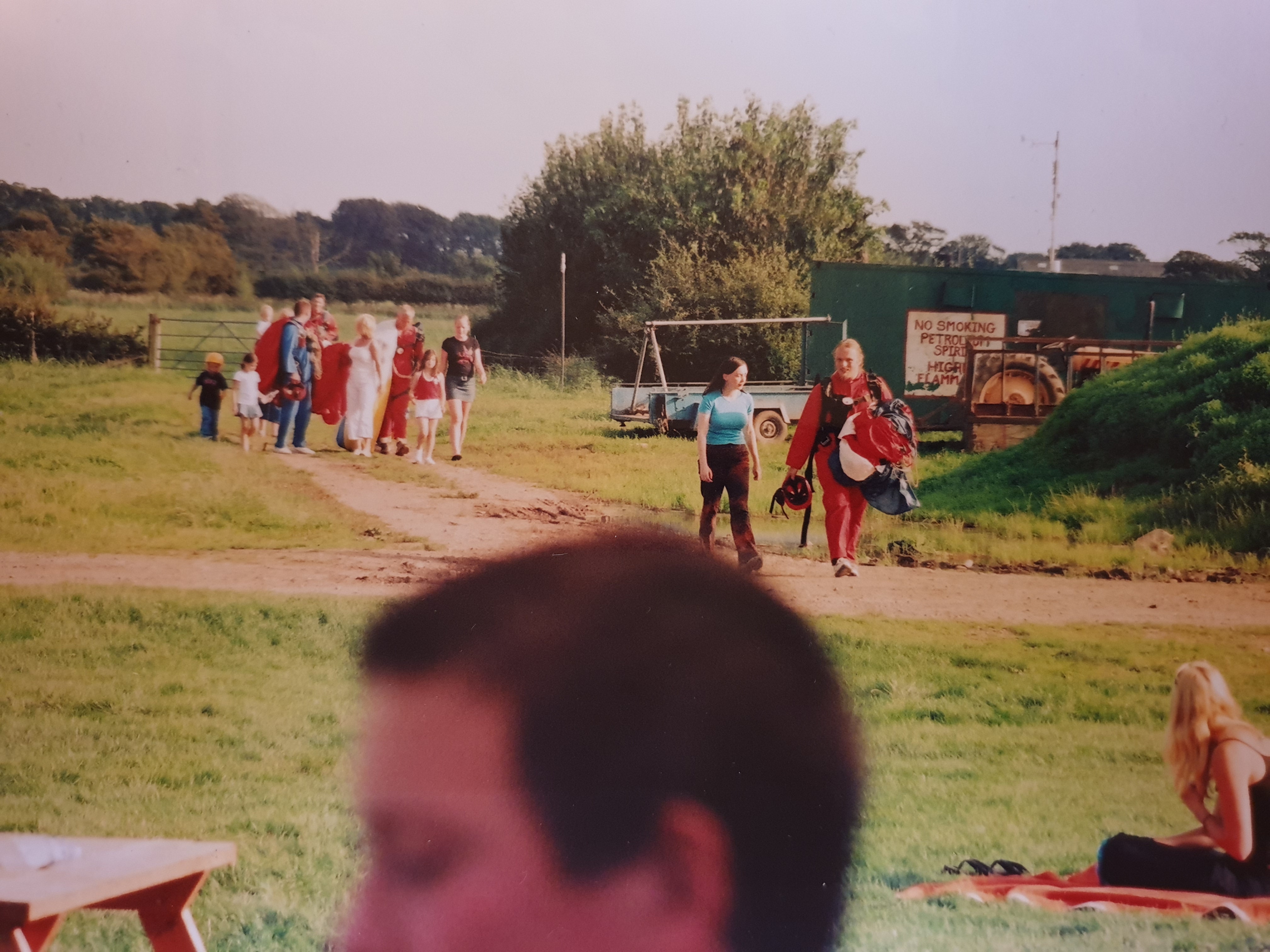
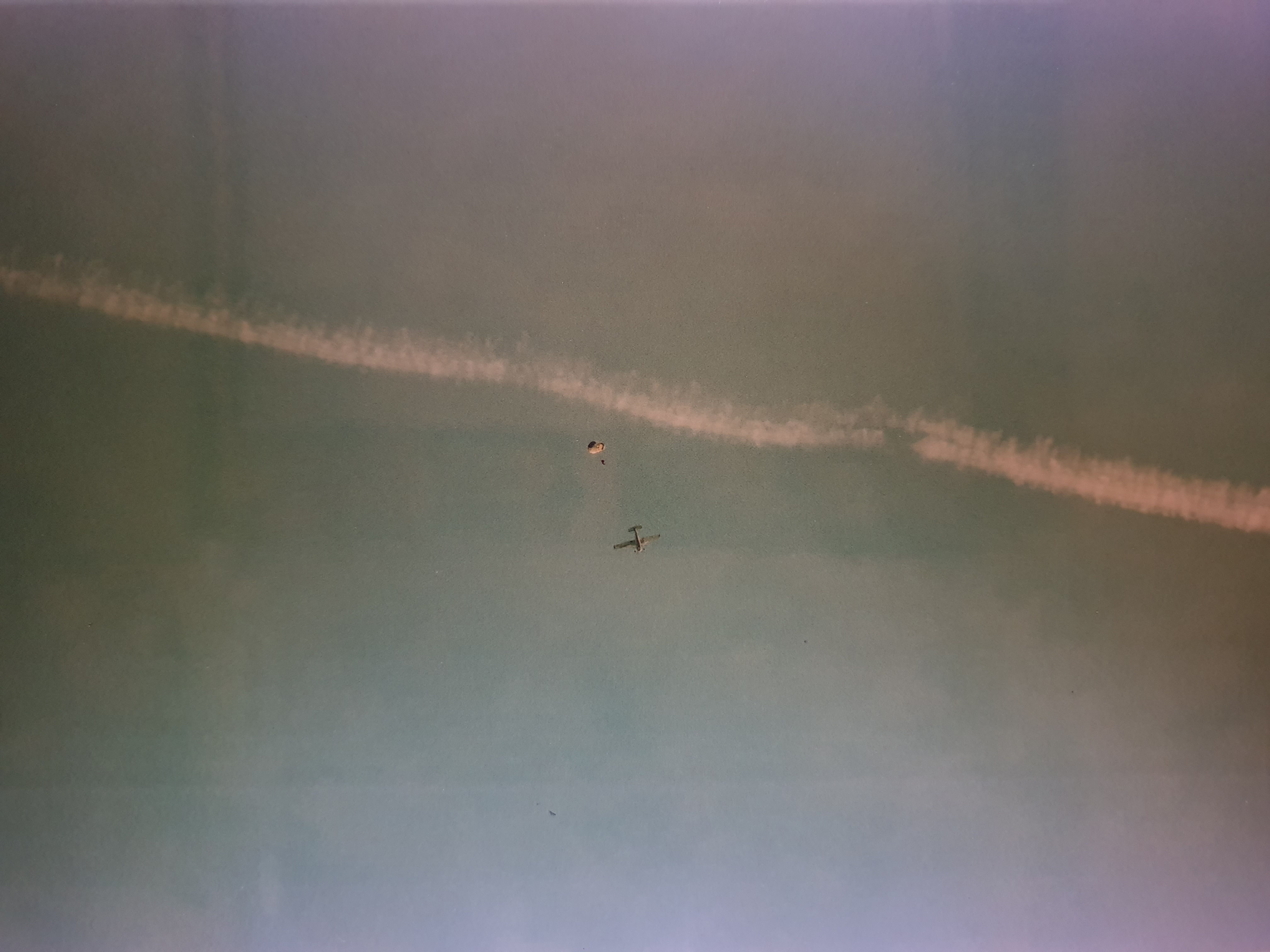
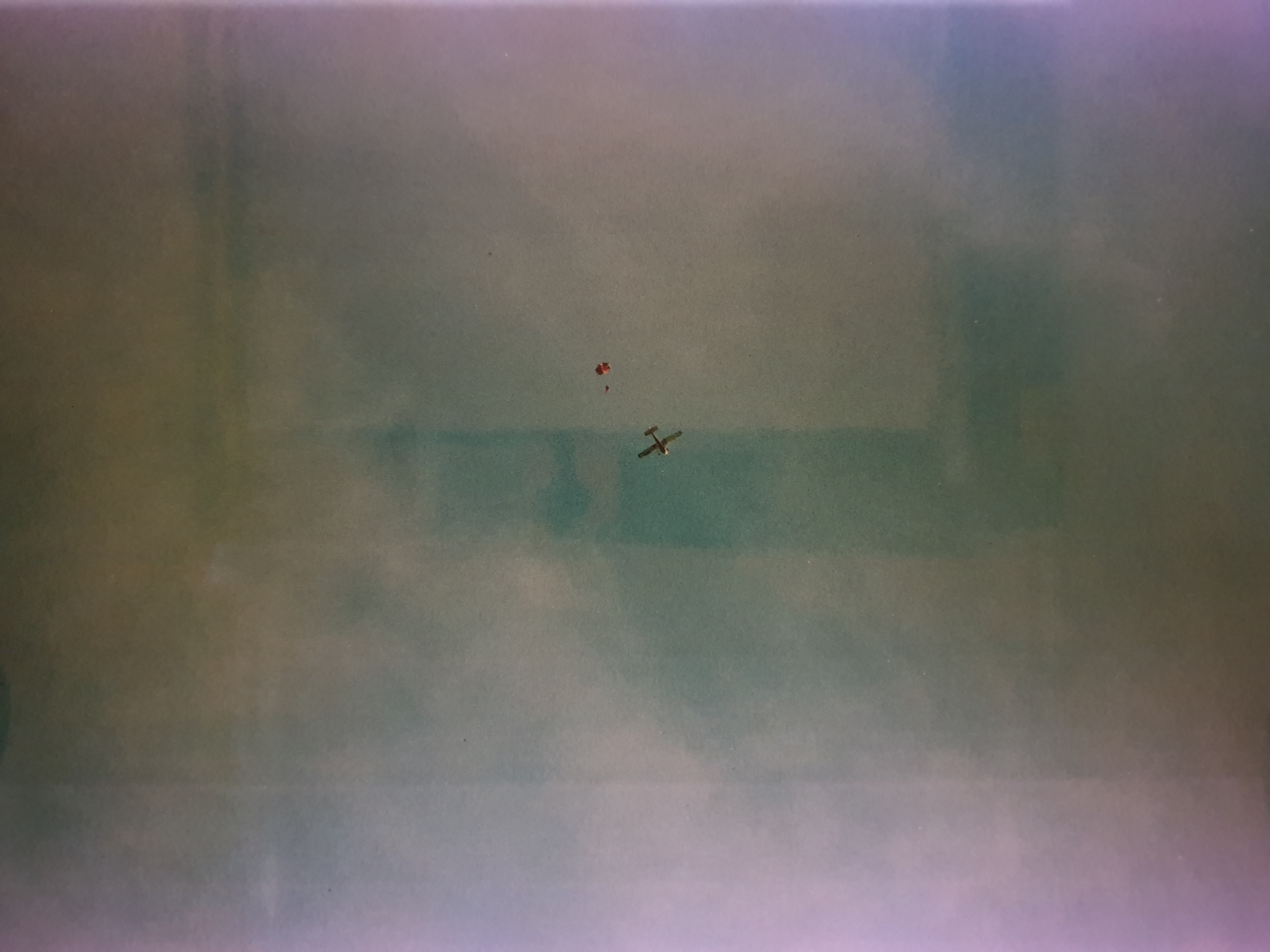
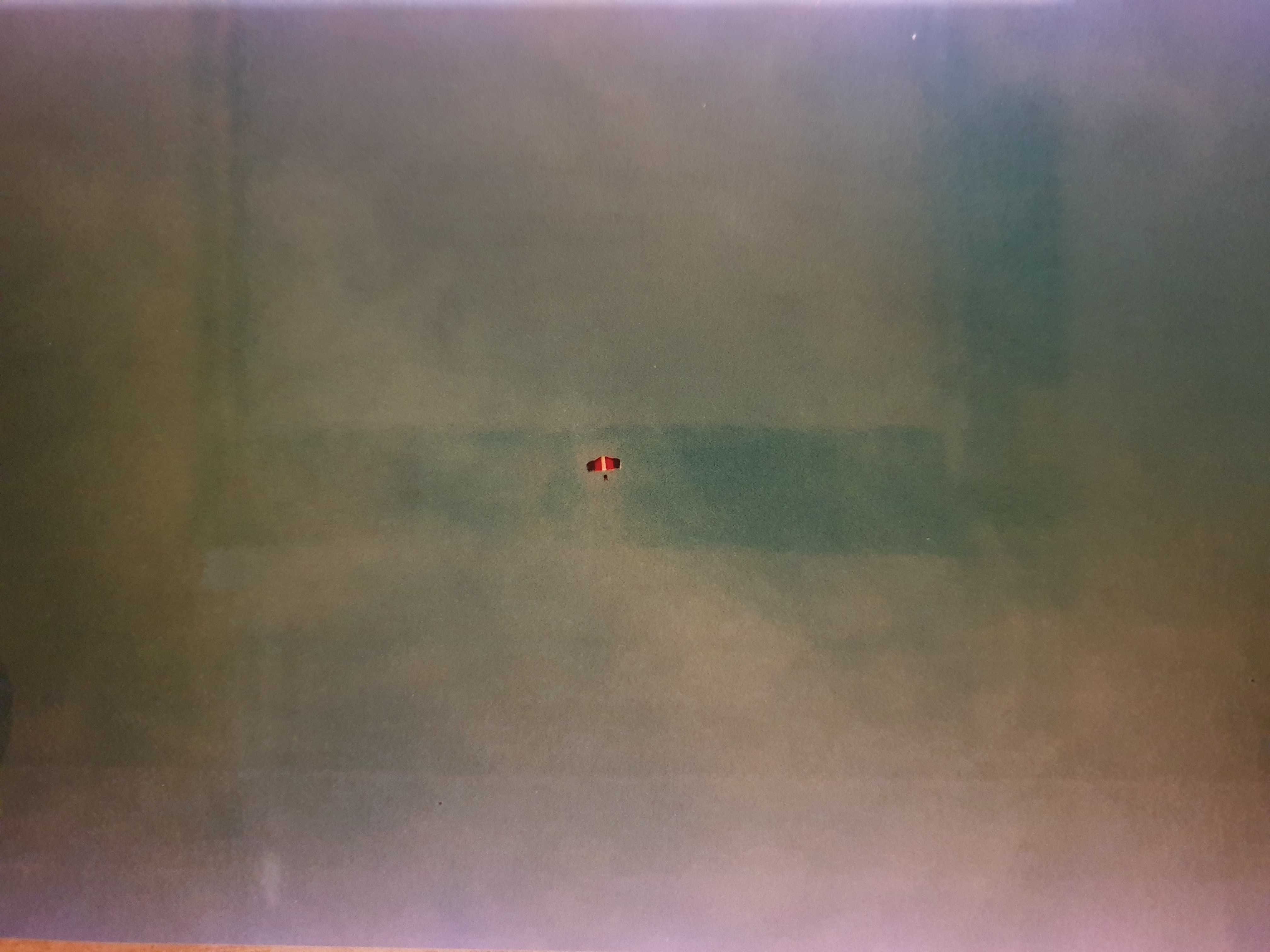
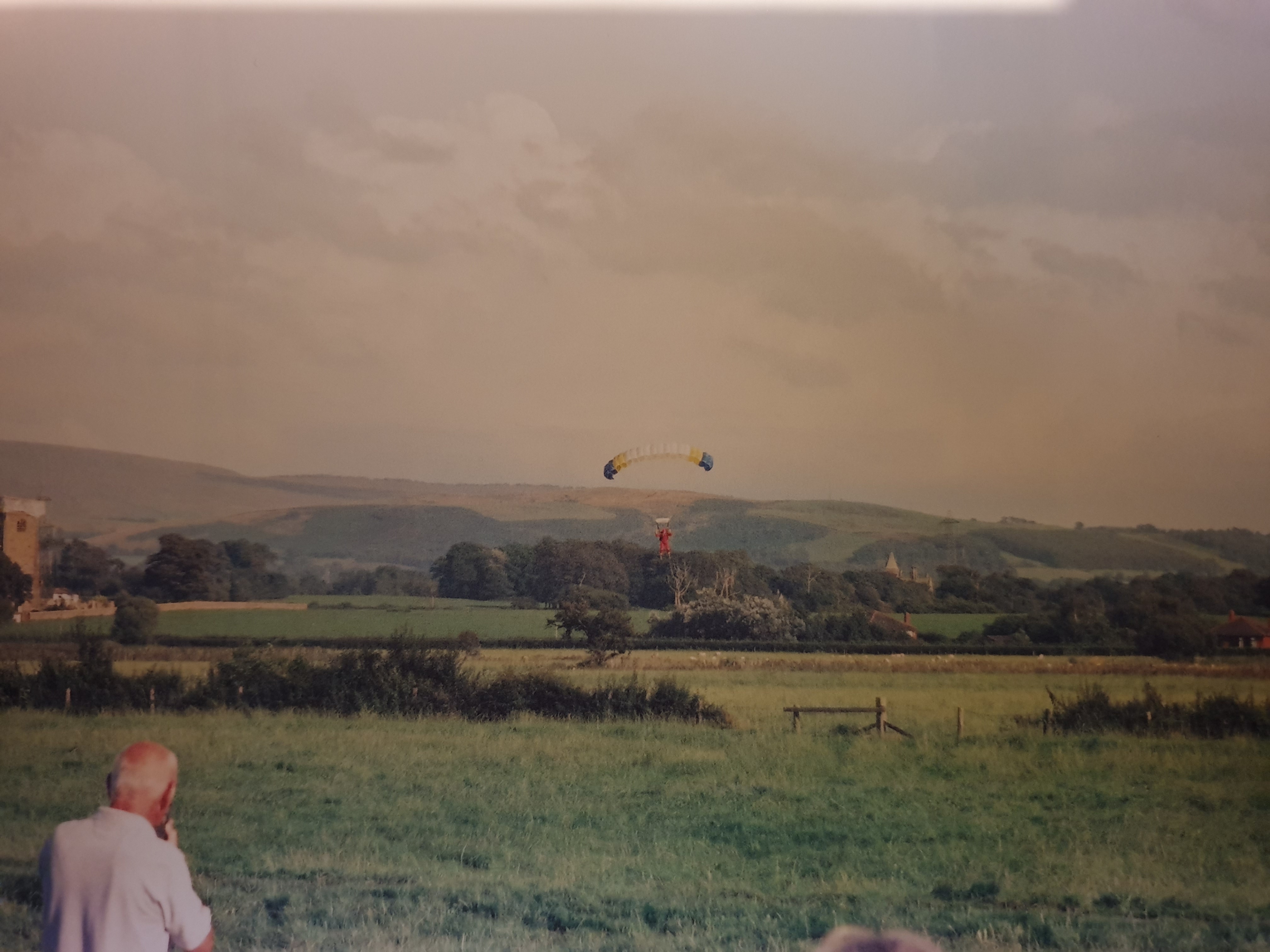
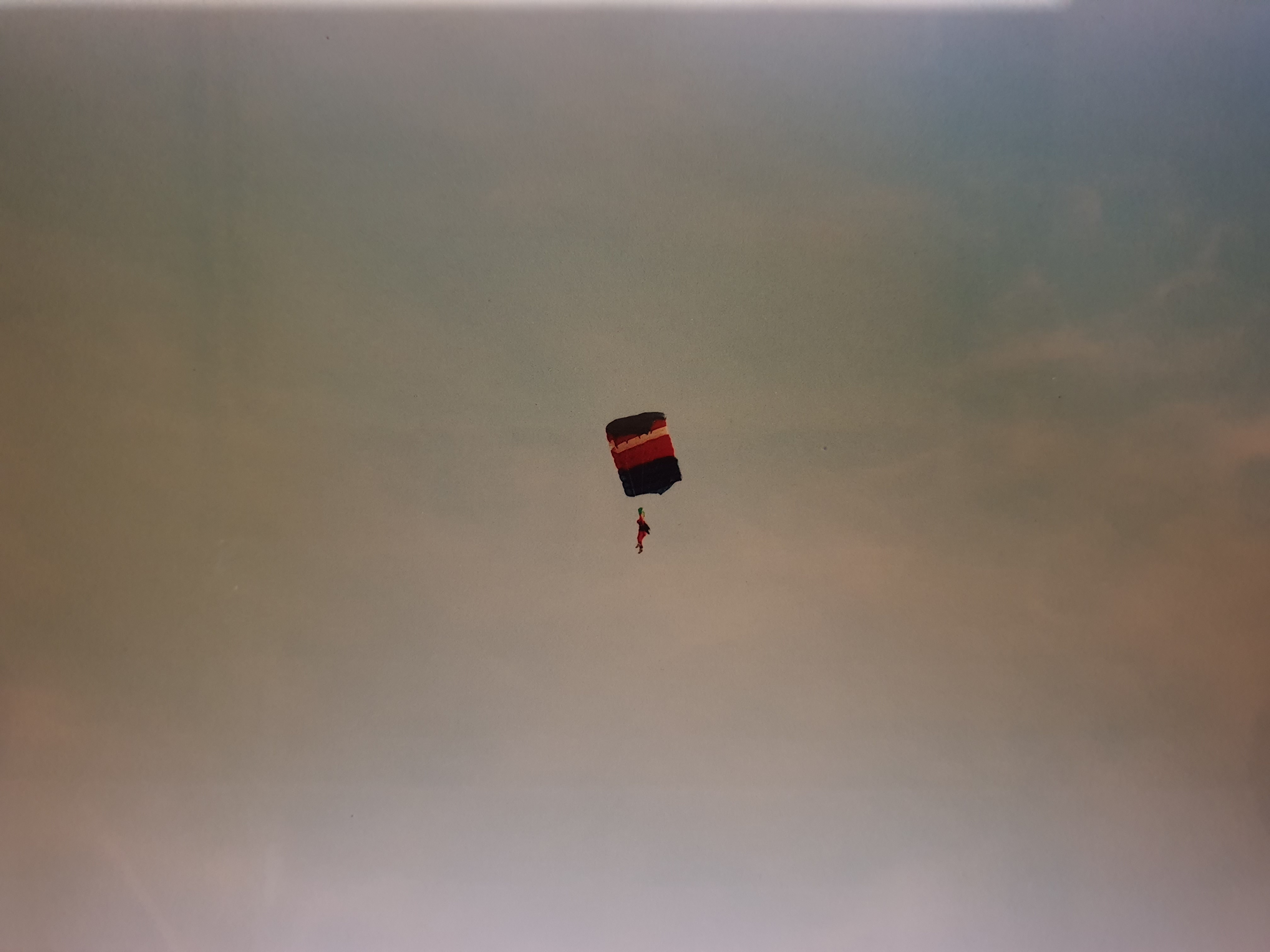
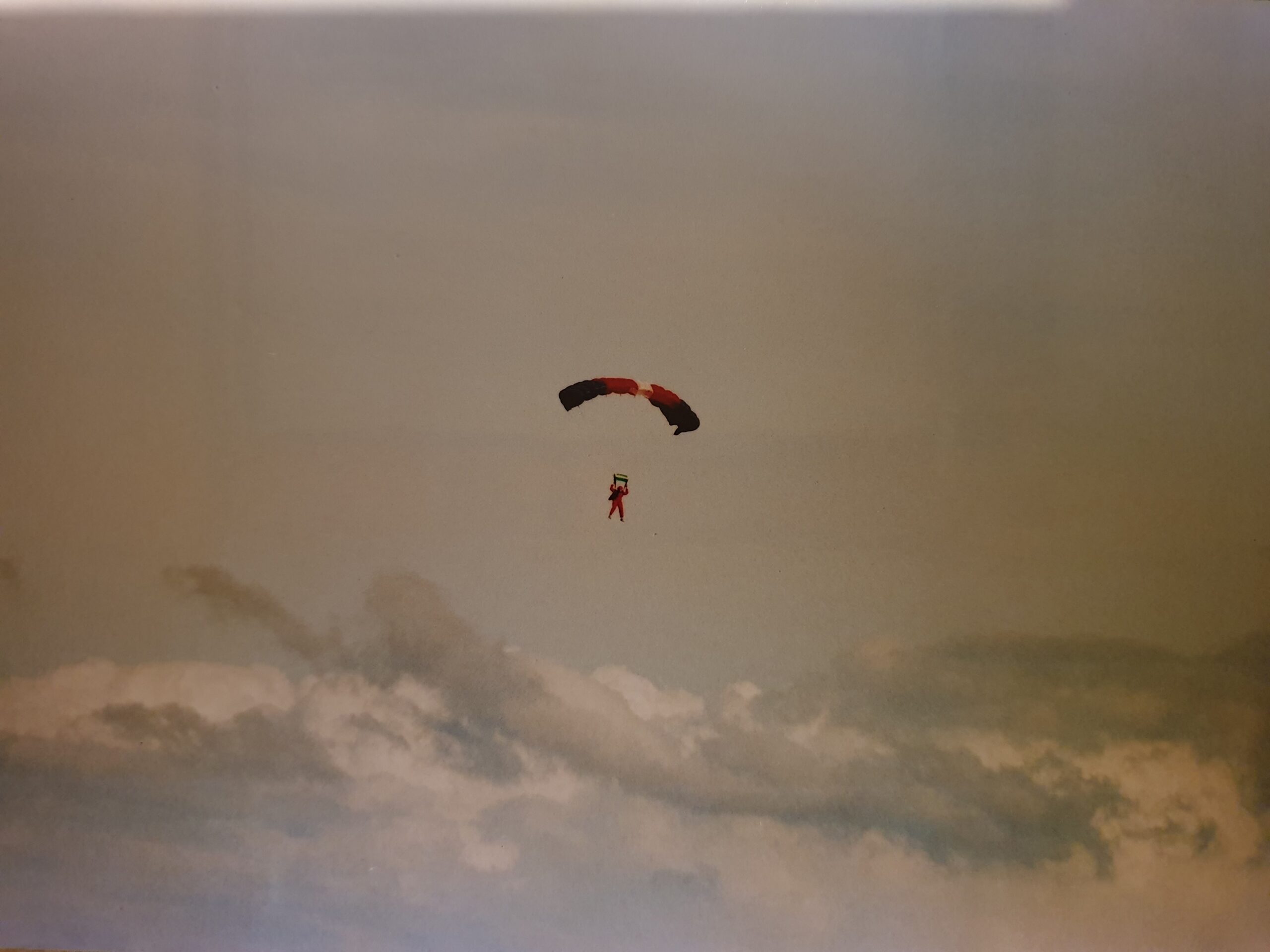
Wow: a most memorable weekend. As you’ll remember, I spent the last weekend on a crash-course in parachuting in Lancashire. Having spent plenty of time in light aircraft or coasting around in a paraglider, I thought I had it sized: but it turned out to be even more spectacular (and scary) than I could have possibly predicted.
Saturday consisted of an exhausting seven hours or so of training: standing around in a field, doing such activities as demonstrating that we can arch our backs into the “stable position” and shouting “One thousand, two thousand, three thousand… check canopy!”, only to have some instructor shout “Malfunction!” and therefore have to go through our emergency process (“Look, locate, peel, pull, punch, arch!”) for the seventy-somethingth time… or lying on our bellies on overgrown skateboards, wiggling our bodies into strange contortions in order to simulate airflow (somewhat reminiscent of the idea of learning to swim by lying on a bench and practising strokes – little real value)… or clambering into a mock-up wooden aircraft (imagination required), climbing out onto the wing, and preparing to jump… or hanging in suspended harnesses, fumbling with the controls of make-believe parachutes…
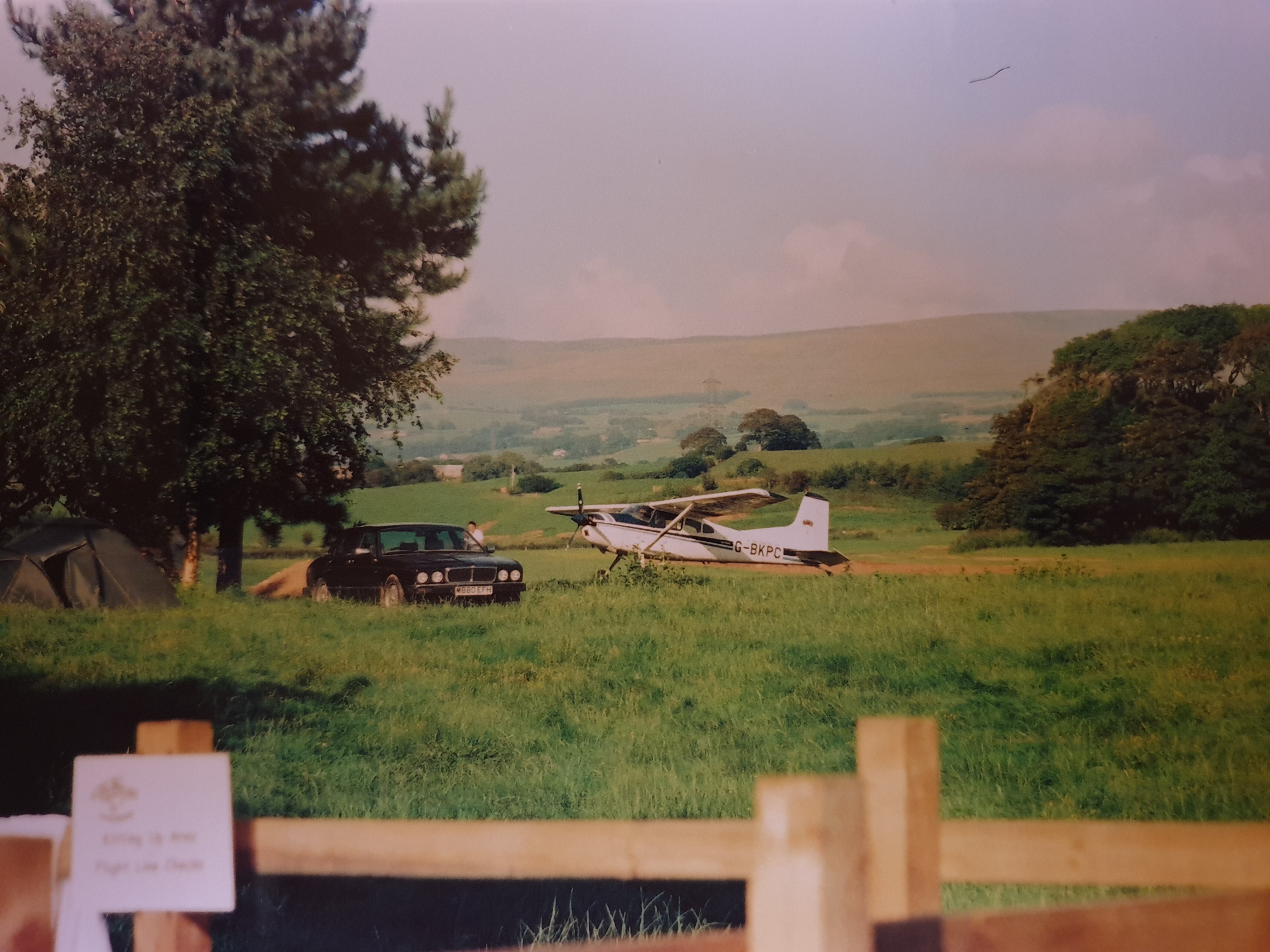
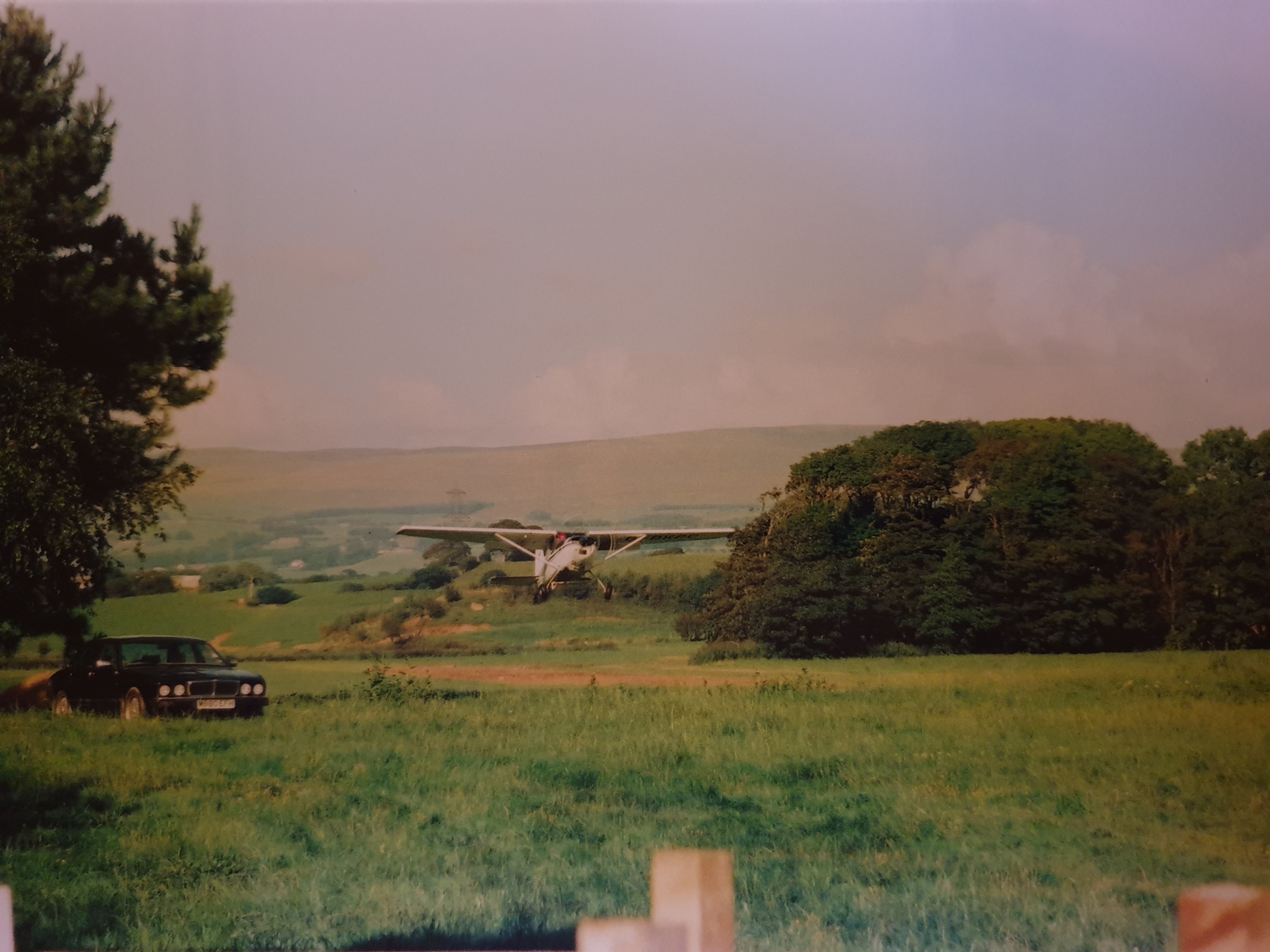
I made my first jump on Saturday, early in the evening. Despite having been cool as a cucumber for the entire training process, I was very apprehensive by now. But this apprehension drifted gently away to be replaced with blind panic the moment we’d spiralled up to 3500 feet and the instructor opened the door, filling our faces with a 50mph wind. The plane was a small four-seater single-screw affair, with all but the pilot’s seat surgically removed so as to squeeze five parachutists (four students and an instructor, in this case) at a time into it, kneeling down and getting pins and needles in their feet. The instructor tapped the pilot on the shoulder: “Cut,” he shouted, and the pilot obliged, cutting engine power to a fraction and causing the plane to lurch downwards in a stomach-gulping manner. Before I knew it, it was my turn to jump.
“Feet out!” shouted the instructor, unsympathetically, slapping my on the shoulder and making a last check of my static line (the device that automatically deploys your parachute – essentially a long nylon strap attaching your ripcord to the pilot’s seat). I knew the drill by heart, having practised it to death on the ground: I grasped each side of the aeroplane’s door and put my right foot out onto the step. Then, that secure (considering the head wind), I reached out with my left hand and held the wing support beam. Then my right hand. Then, finally, I moved my left foot out and precariously swapped it with my right, leaving my right dangling above a 3500 foot hole. I couldn’t help but look down, and see fields stretching out, little cars moving along the roads, and occasional stray clouds meandering by. I looked back into the plane to signify my readiness…
“Go!” shouted the instructor. I let go.
At that moment, I forgot everything that I had spent so long learning. For some time to come, I was unable to remember the four seconds that followed. I was later to learn (and, later still, to remember) that I let go gracefully, but then – instead of forming the stable ‘arch’ position (important, as it keeps your back facing ‘up’, allowing your parachute to deploy correctly) – I put my hands by my sides, causing me to fall head-first until my ‘chute deployed. I remembered hanging onto the wing, and I remembered my parachute opening, but the rest was completely missing for the next half-hour.
During the three further jumps I performed on Sunday, there was no trace of the fear that had gripped me during the initial phases of my first: and, in fact, I was able to get the hang of assuming the correct position and landing without crippling myself… moreover, I’m now qualified to a level at which I’m permitted to begin DRCP (Dummy Rip-Cord Pull) jumps, in which I would leap from a plane and pull what is effectively a glorified handkerchief from the back of my backpack, symbolising the correct pulling of a rip-cord. Doing this will eventually allow me to do a free-fall, and is a progressive stage towards certification as a skydiver. Which is nice.
I loved it. Everybody in a fit state should do this sometime. Wonderful.