
Blog
-
![Image representing post: Why I Am So Tired [Video]](https://bcdn.danq.me/_q26u/2026/01/why-i-am-so-tired-title-card-978x480.jpg#27897)
Why I Am So Tired [Video]
A video version of my recent joke about why I'm so tired, which was also made available in article and podcast formats.
-

Why I Am So Tired
After dusting off and modernising a joke I first read in a chain email from 1996, I can tell you conclusively that the reason that I'm tired is because I'm overworked.
-
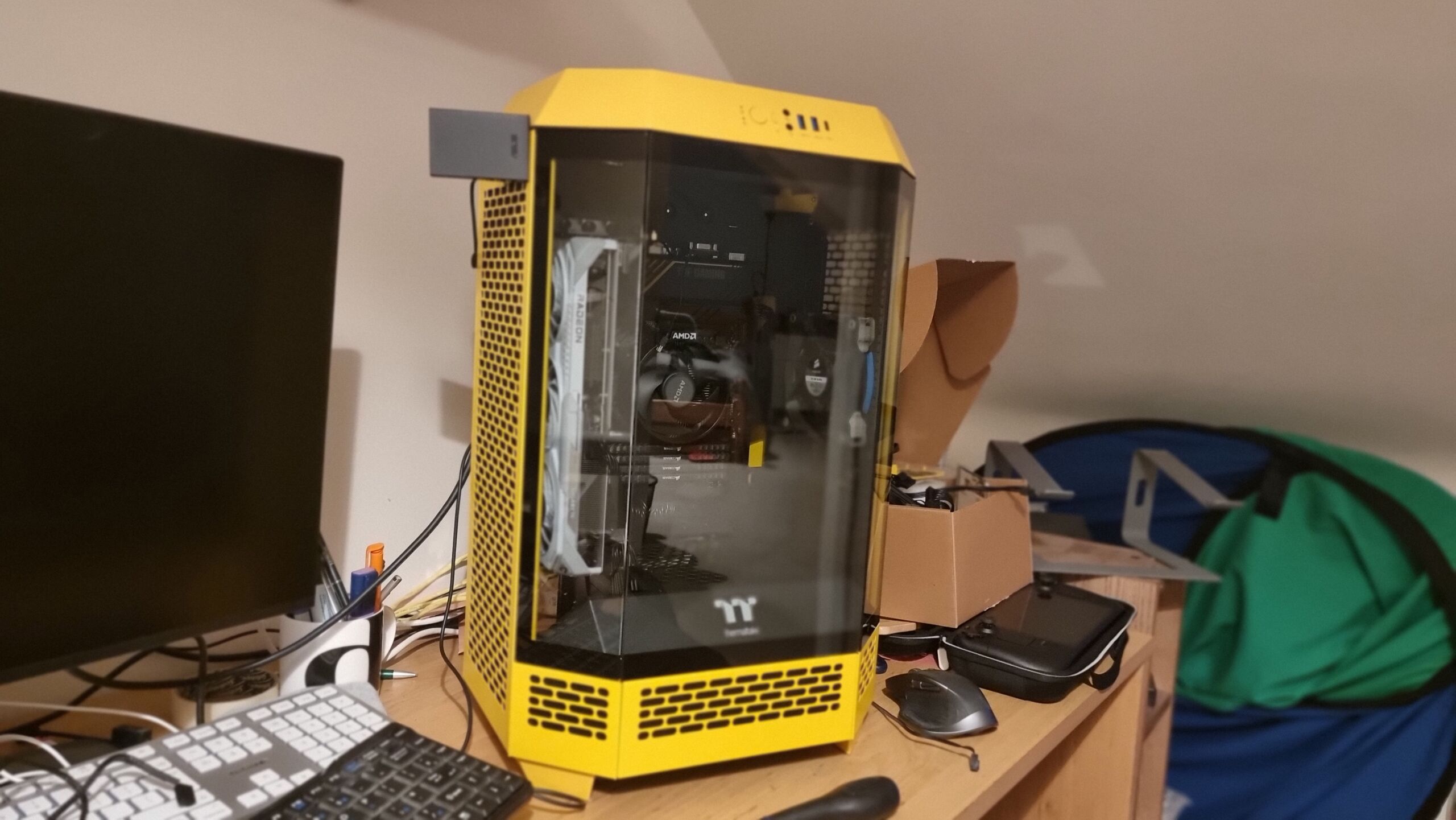
As part of my efforts to reclaim the living room from the children, I'm building a new gaming PC for the playroom. She's called Bee, and - thanks to the absolute insanity that is The Tower 300 case from Thermaltake - she's one of the most bonkers PC cases I've ever worked in.
Alt
On a desk cluttered with computer parts, a partially-built PC stands in an irregular-hexagonal prism shaped case with vented yellow sides and a three-pane angled glass front.
-
Visualising Forged In The Dark probabilities
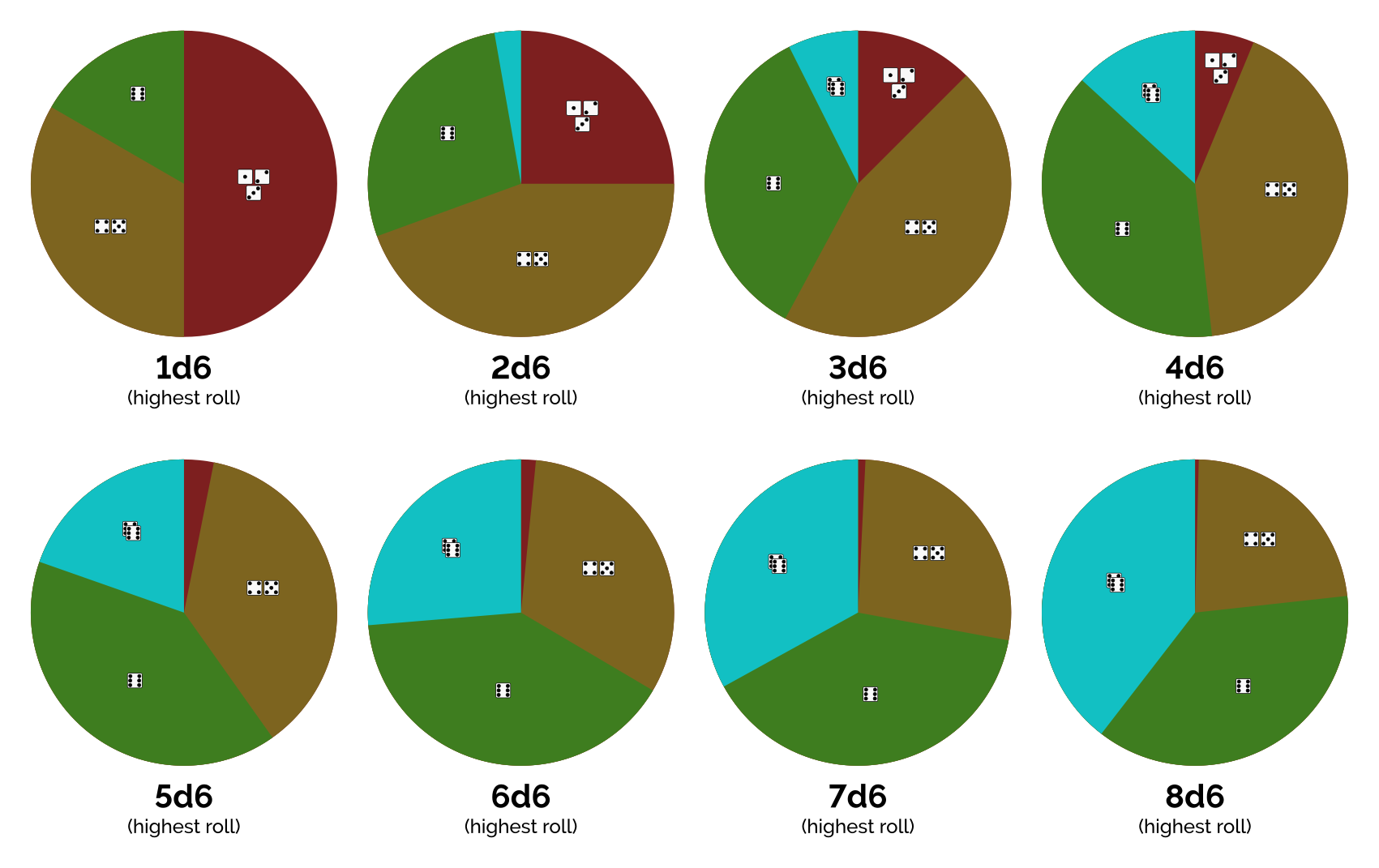
Blades in the Dark (and other Forged In The Dark-based games) use a highest-value-from-D6-dice-pool mechanic to resolve actions. I was looking for a visualisation of the resulting probabilities, but couldn't find one... so I made my own.
-
A small collection of text-only websites
Terence Eden's maintaining a list of websites that are presented as, or are wholly or partially available via, plain text. Obviously my own text/plain blog is among them, and is as far as I'm aware the only one to be entirely presented as text/plain.
-
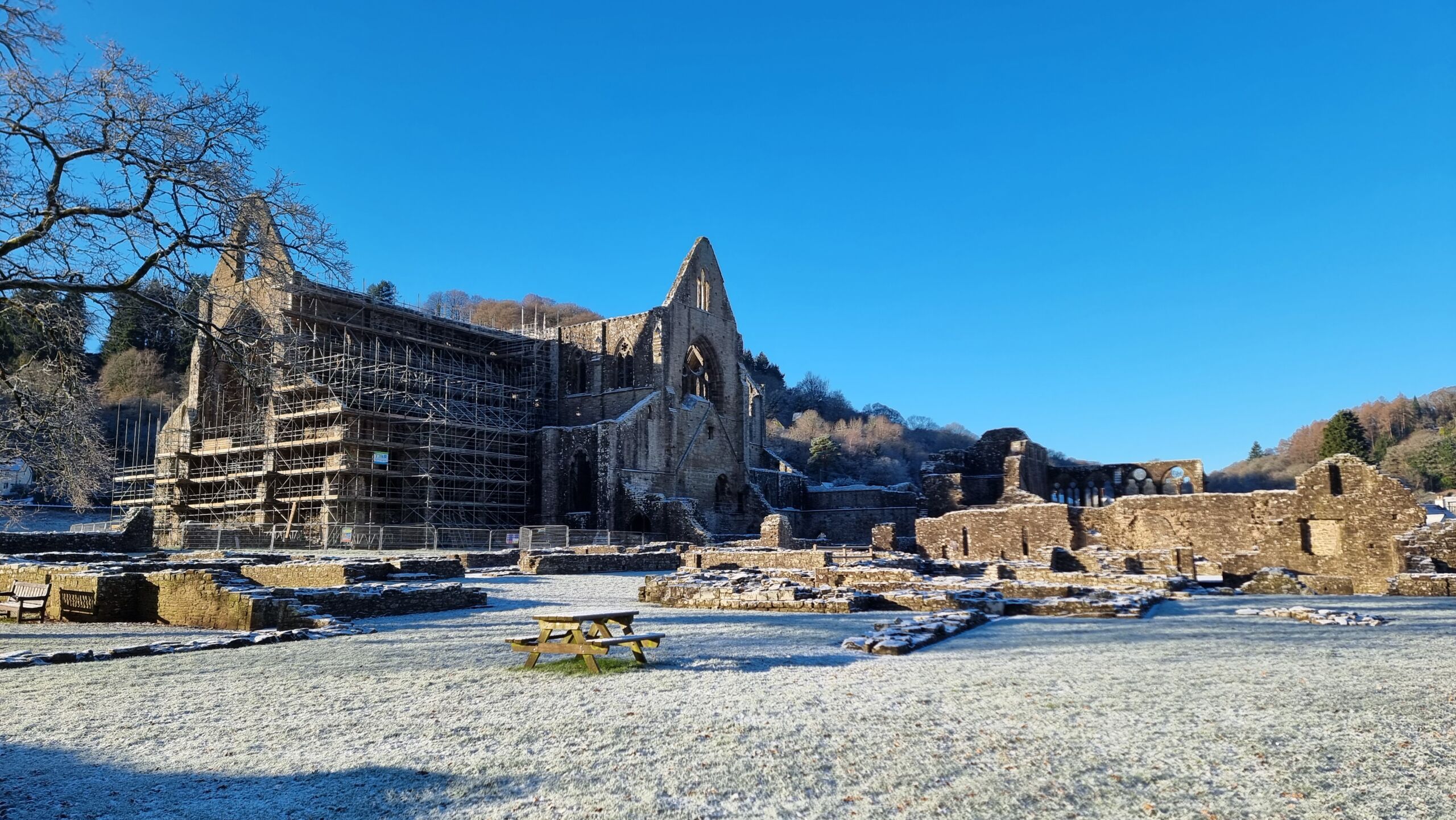
Tintern Abbey's looking especially beautiful in the fresh snow, this morning.
Alt
A partially-ruined stone monastery juts out of a snowy plain in a wooded valley, under bright blue skies.
-
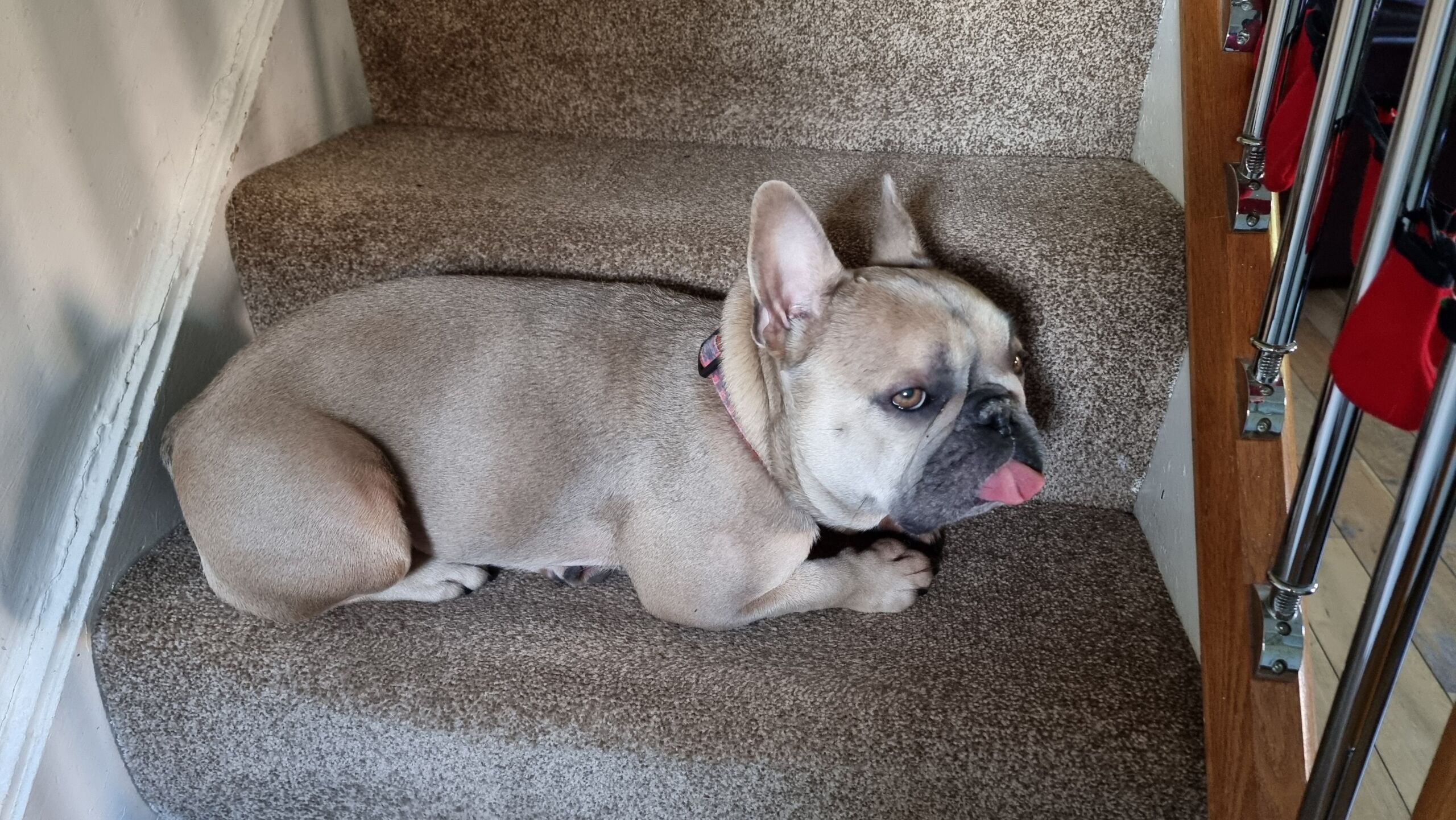
Our dog has decided that the perfect place to lie down at our holiday accommodation is... on a staircase whose carpet is the same colour as her!
I'm grateful for her very-visible blep... or I'd have tripped over this camouflaged pupper several times already!
Alt
A champagne-coloured French Bulldog lies on a step of a staircase carpeted in the same colour as herself, u her tongue in medium-blep.
-
Found GC47WME PYVW- Cuckoo Wood
I was in these woods anyway, seeking GC10N80 and figured I'd come hunt for this cache too. A quick find; my geosense spotted a candidate hiding place right from the main path, and I turned out to be right.
-
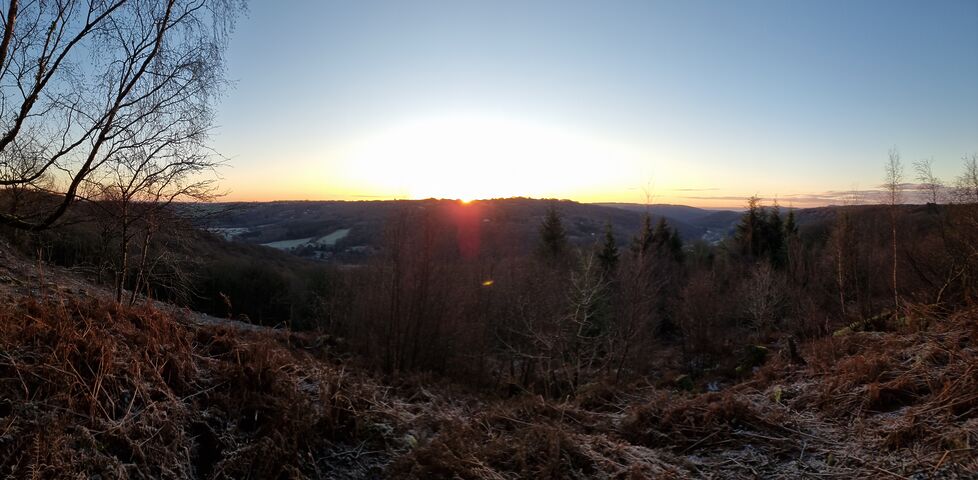
Found GC10N80 Wye Eye
This puzzle cache, undiscovered for 20 months, made for one of the most satisfying geocaching expeditions I've ever done.
-
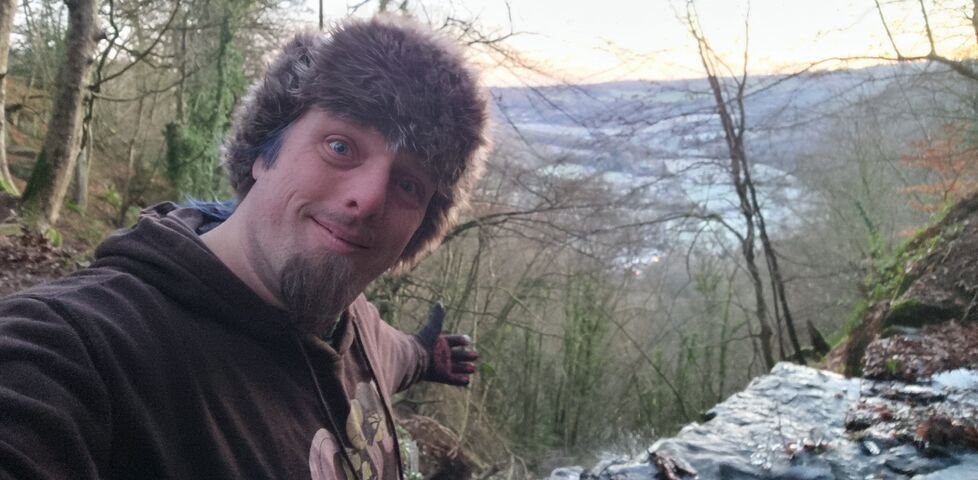
Found GC39NPC Cleddon shoots and falls
Hiked over from Catbrook on the way to a cache up Pen Y Fan and stopped by these beautiful waterfalls on the way. So glad I did!
-
D&D 5e is not for everyone
Kai Koehler reminds us that D&D 5e is far from the only TTRPG, with a tight dissection of its specific characteristics so that they can be compared to other, perhaps more roleplay-heavy, games and systems. They include some suggested ideas for other games, too, a couple of which I'm strongly-inclined to try out!
-

Found GC7P0AN A Fine Pair # 1089 ~ Parkhouse
The geohound and I walked over from Catbrook this morning "the long way" - over the hill and woods, finding a couple of caches along the way - to this cache.
From both the cache type and my GPSr's map data I fully expected to find a post box here alongside the (decrepit) red phone box, but it's nowhere to be seen! Has it perhaps been removed?
In any case, the hint reassured me that I was in the right place and my geosense told me where to look. A disappointingly tiny cache container (where a larger one could have probably been placed) was soon found, caked in mud, and replaced as-found.
TFTC. -
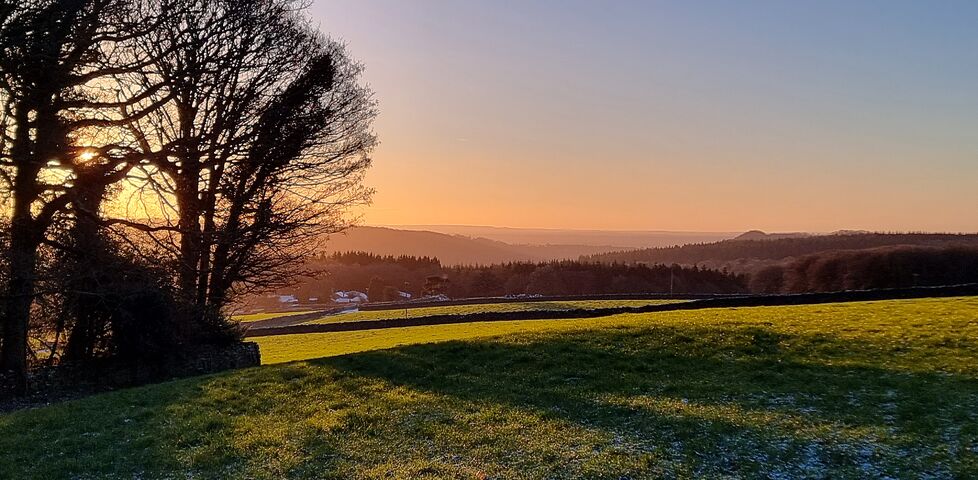
Found GC2DJ9K The Wolf Cache
The geopup and I absolutely chose the right time to come up here on this wintery morning. The sun's ascent over the valley whenever we escape the cover of the woods is absolutely spectacular.
Found without difficulty SL, TFTC! -
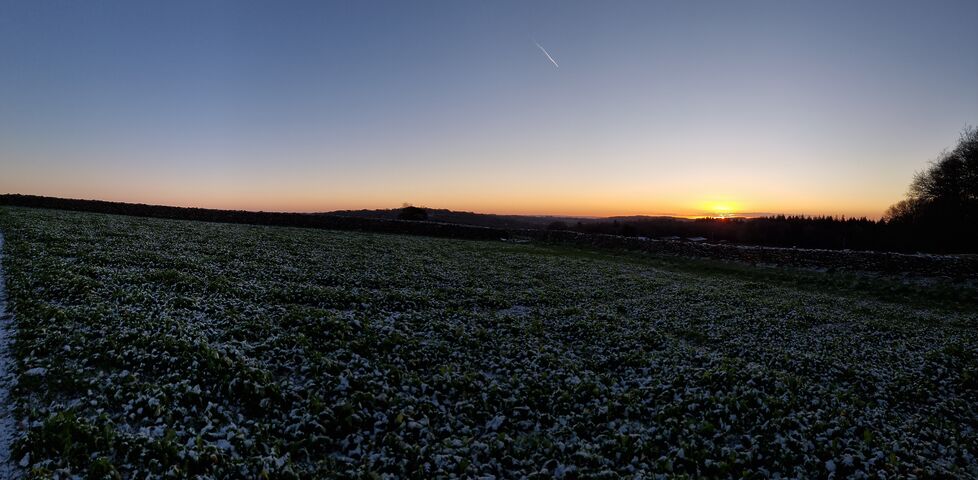
Found GC2EFAW The Cairn Cache
The geopup and I, on holiday from West Oxfordshire and staying nearby, came out for a morning walk in the ice and snow today.
Our little Frenchie's tiny legs made the work of climbing the stiles on this path a little challenging, but with persistence we were treated to a wonderful view of the sun broaching the horizon over the valley at the North end of School Wood.
Soon the cairn was in sight, and what a brilliant spot for a cache! Signed log, and dropped a travel bug that's come all the way from Texas to continue its journey. FP awarded for bringing us out this way. -
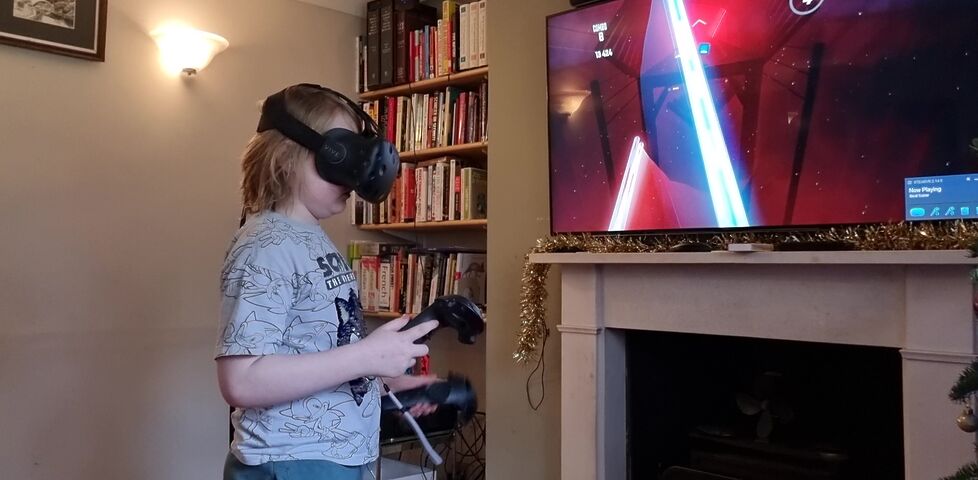
Roomscale VR Still Rocks
I'd promised the kids I'd dig up my (ten-year-old!) original HTC Vive VR gear and hook it up in the living room over Christmas. Roomscale VR, even running on decade-old kit, still rocks and is as immersive as ever!