Introduction to the new HTML element ‘geolocation’

This is a repost promoting content originally published elsewhere. See more things Dan's reposted.

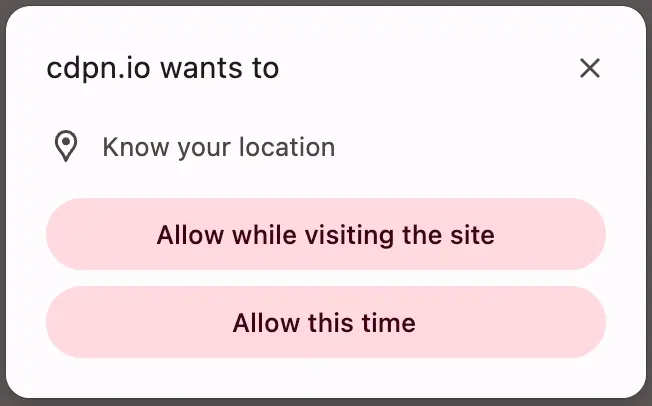
The <geolocation> element provides a button that, when activated, prompts the user for permission to access their location. Originally, it was designed as a general <permission> element, but browser vendors indicated that implementing a “one-size-fits-all” element would be too complex. The result was a single-purpose element, probably the first of several.

<geolocation>
  <strong>Your browser doesn't support &lt;geolocation&gt;. Try Chrome 144+</strong>
</geolocation>

I’ve been waiting for this one. Given that “requesting permission to access a user’s location” has always required user intervention, at least to begin with, it makes sense to me that it would exist as a form control, rather than just as a JavaScript API.

Implementing directly in HTML means that it degrades gracefully in the standard “if you don’t understand an element, simply render its contents” way that the Web always has. And it’s really easy to polyfill support in for the new element so you can start using it today.

My only niggle with <geolocation> is that it still requires JavaScript. It feels like a trick’s been missed, there. What I’d have really wanted would have been <input type="geolocation">. This would e.g. renders as a button but when clicked (and permission granted) gets the user’s device location and fills the field (presumably with a JSON object including any provided values, such as latitude, longitude, altitude, accuracy, provider, and so on). Such an element would still provide all the same functionality of the new element, but would also be usable in a zero-JS environment, just like <input type="file">, <input type="datetime-local"> and friends.

This is still a huge leap forward and I look forward to its more-widespread adoption. And meanwhile, I’ll be looking into integrating it into both existing applications that use it and using it in future applications, by preference over the old API-driven approach. I’m grateful to Manuel for sharing what he’s learned!